How to delete OpManager Users?
In OpManager, it is possible to add and remove users using an admin account or with an account having permission to do so. Follow the steps given below to remove users from OpManager. Click here to know more about user management in OpManager.
NOTE: Only an administrator user with all add-on modules enabled can delete another user.
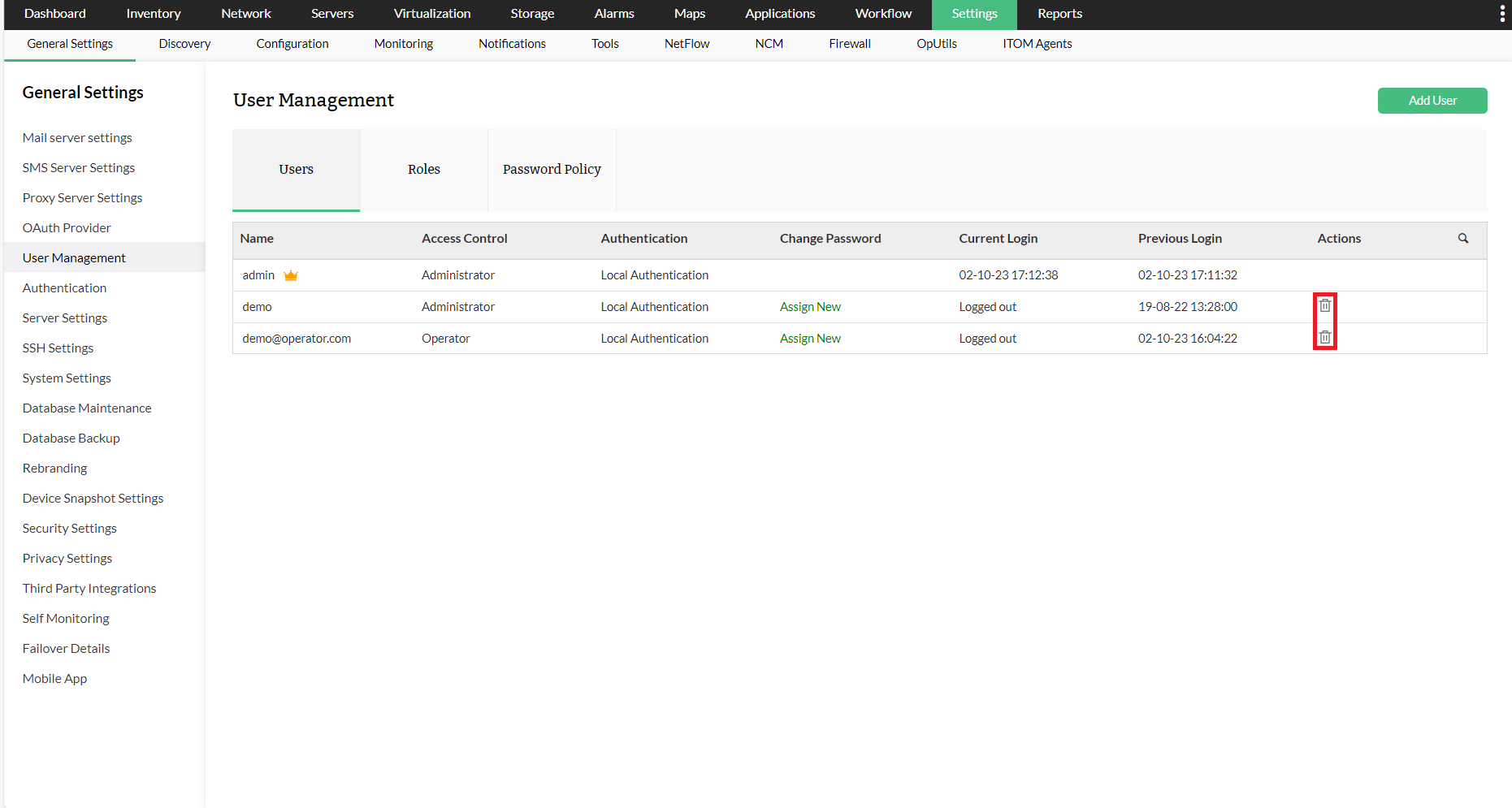
- Go to Settings > User Management
- Click on the Delete icon against the user name whose account you want to delete.
- A confirmation dialog pops up. Click OK. The user account has now been deleted.