Adding Clusters
Adding Clusters
Upon successful signup, the first glimpse within the DDI console reveals an empty dashboard. To get started, create clusters and add your DNS and DHCP servers to your clusters for effective management of your network infrastructure.
To create new clusters
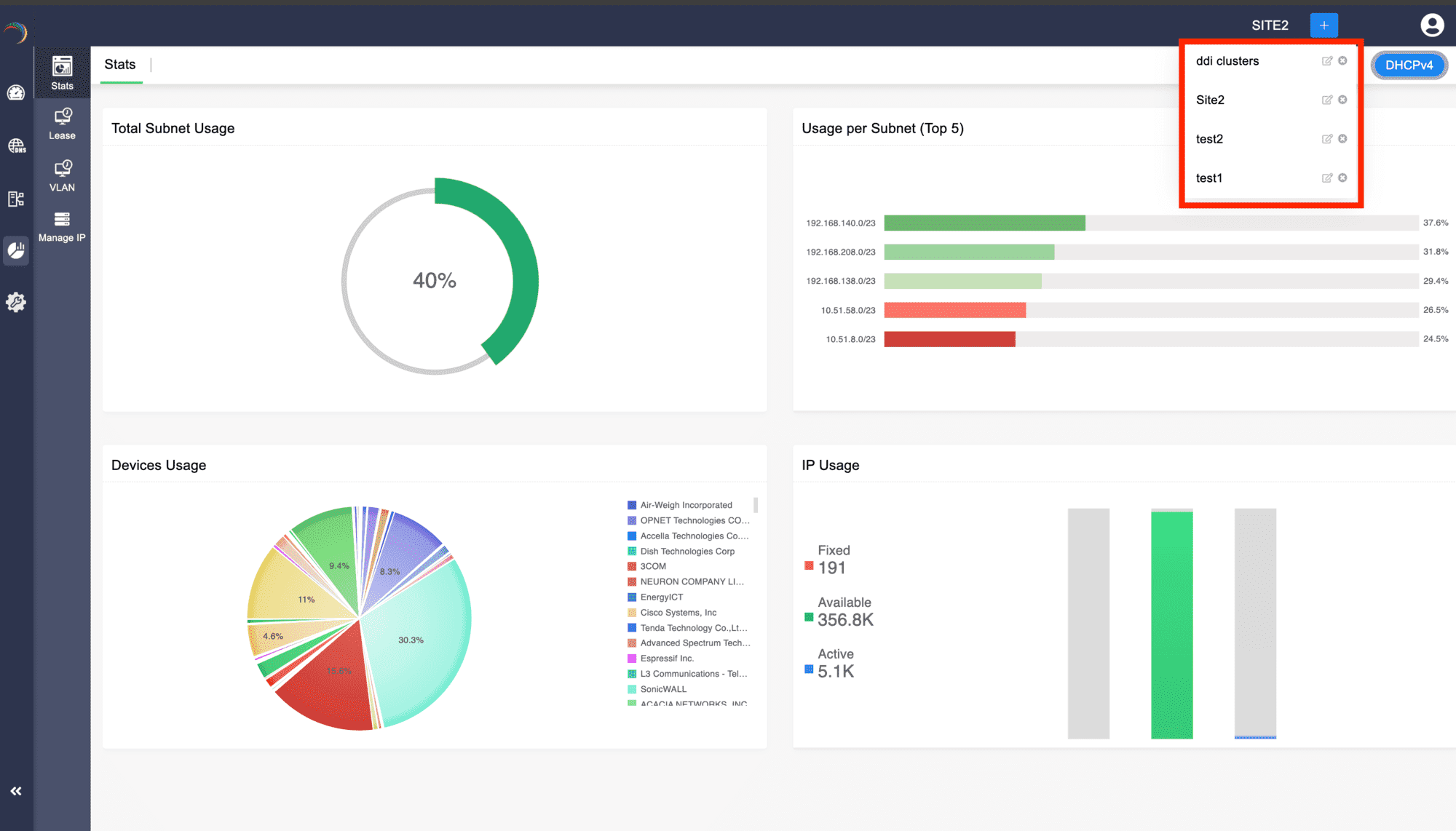
- Click on the plus ( + ) sign at the top right corner.
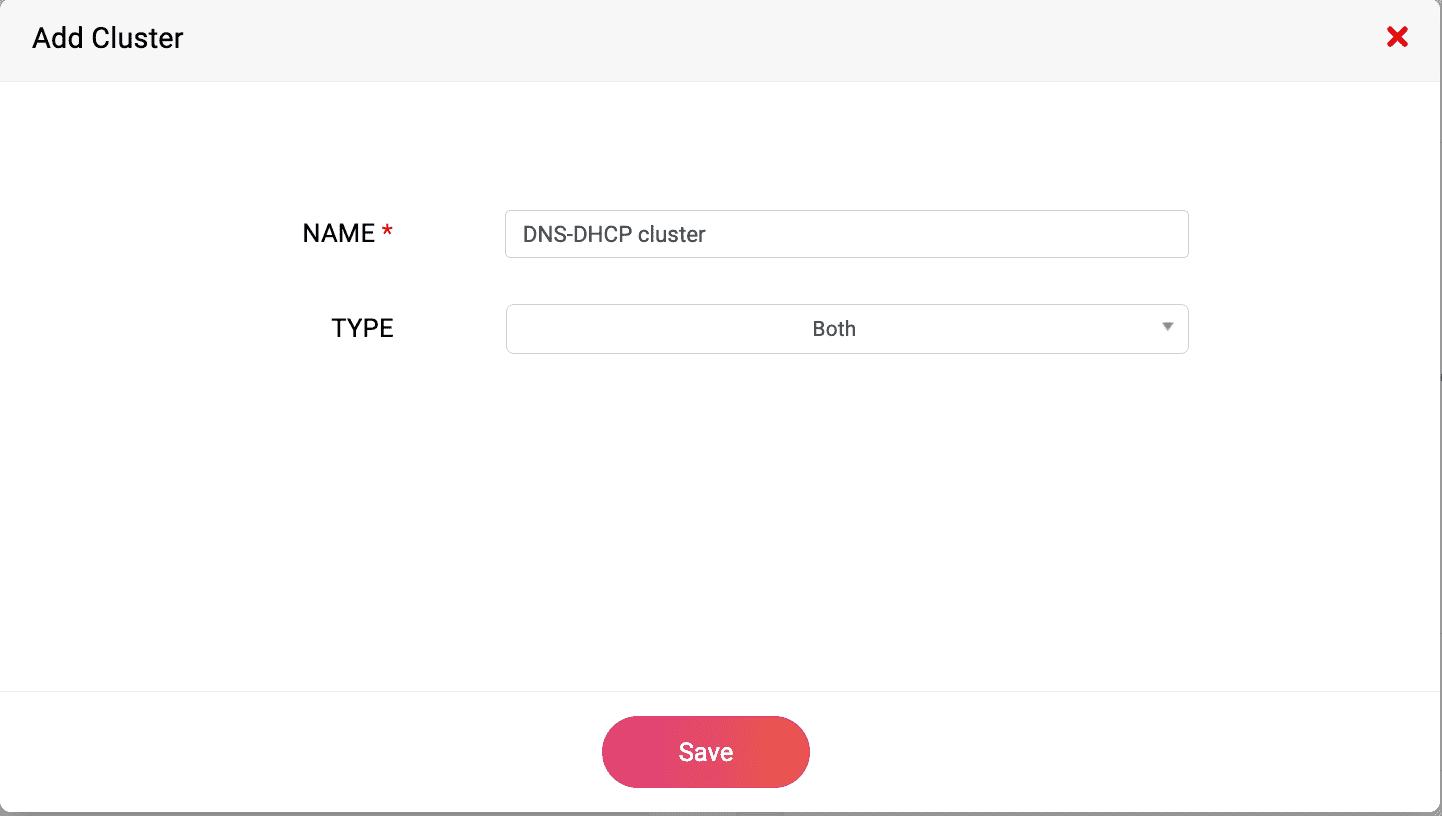
- The Add Cluster window appears prompting you to enter the name and type of the cluster: DNS, DHCP or Both. Selecting either DNS or DHCP will create a cluster dedicated only for DNS servers or DHCP servers, respectively. Selecting both enables you to add both DNS and DHCP servers into the cluster.
- Clusters are logical groupings of servers - DNS, DHCP or both organized for identification and administrative purposes. These clusters operate independently of other clusters configured within DDI Central. Each cluster you add has its own internalized IP address plans, IP inventory, IP Address Manager, DNS manager and DHCP manager. A single cluster can accommodate any number of DNS servers and DHCP servers.
- After making the necessary selection, click Save to create the cluster.
Once the cluster is created you will be directed to the servers page where you'll be prompted to add your DNS and DHCP servers.