Use-case 5: How To Provision User Accounts With a Single CSV file For Employees If Your Business Handles Multiple Domains
Is your organization managing multiple domains? Would user provisioning on all the domains, for a single user, take forever?
You can create User Creation Templates based on domains, then run a simple CSV file with minimal user information against the templates and provision accounts in all domains with just a few clicks.
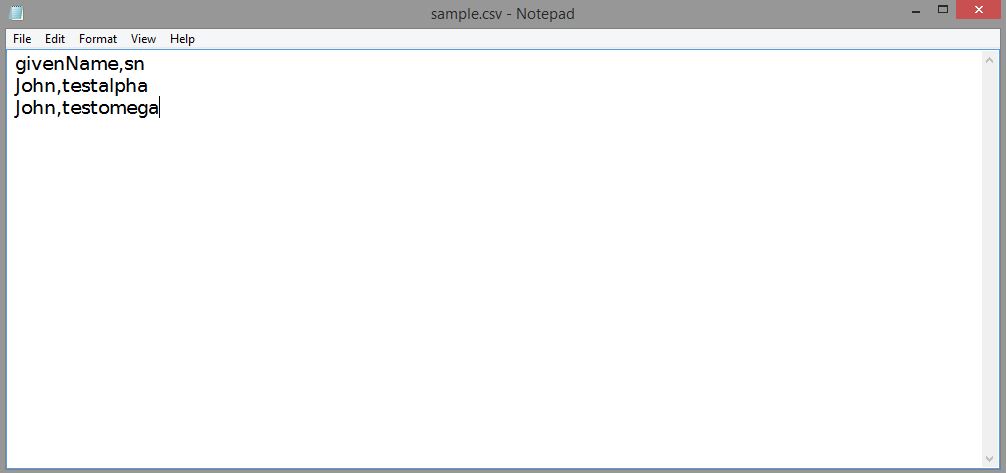
Steps 1: Kindly create a simple CSV file with minimal information on the employees.
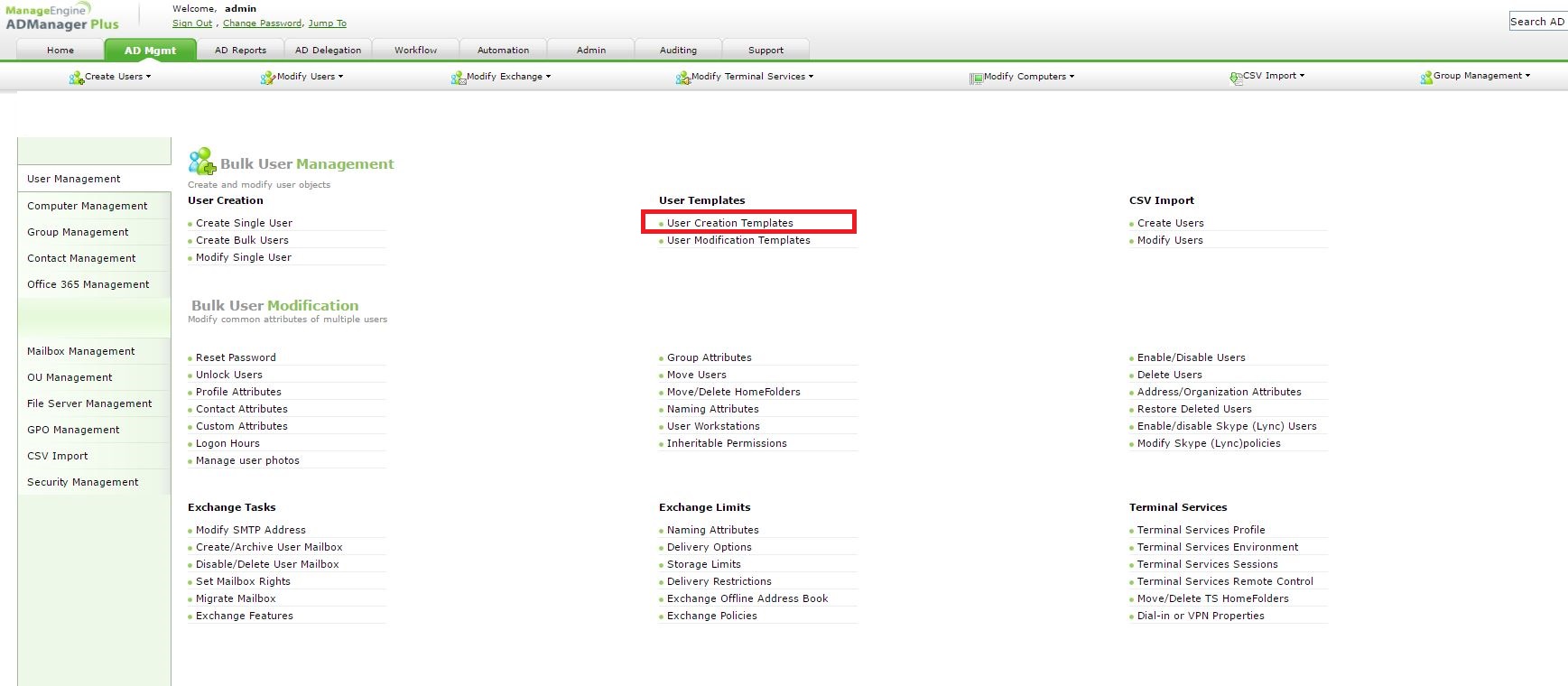
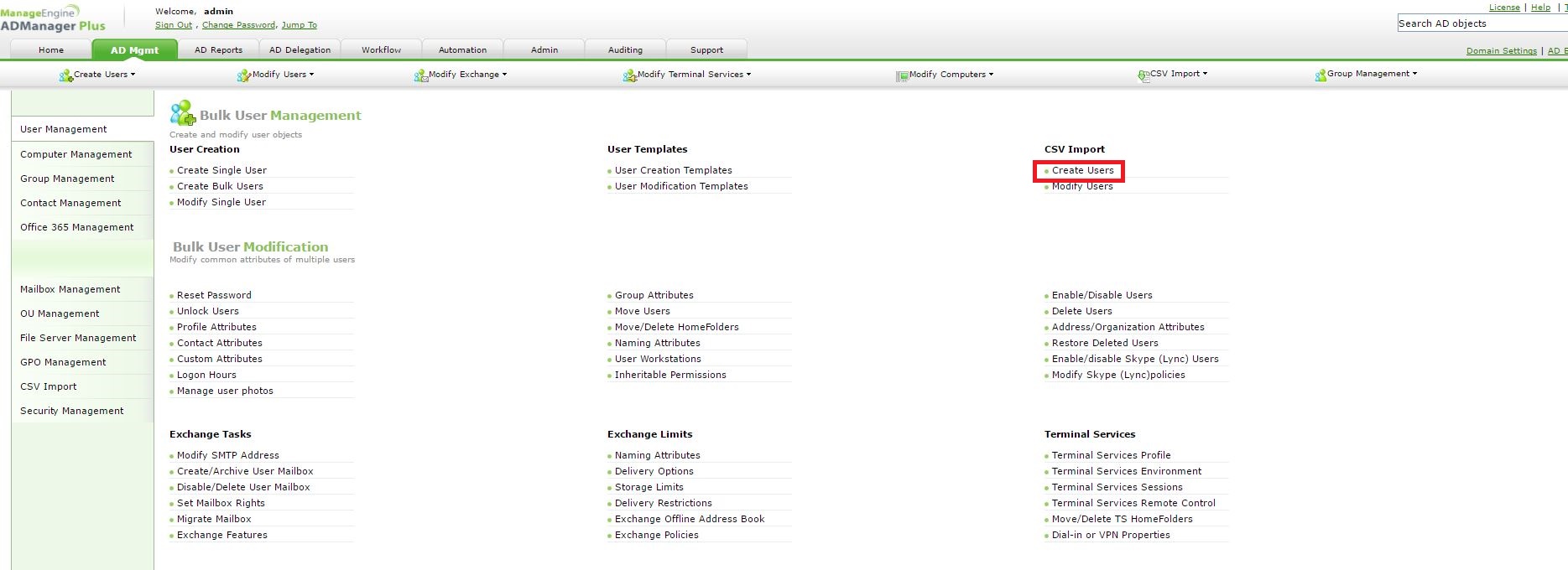
Step 2: Go to AD Mgmt --> User Management --> Bulk User Management --> User Creation templates.
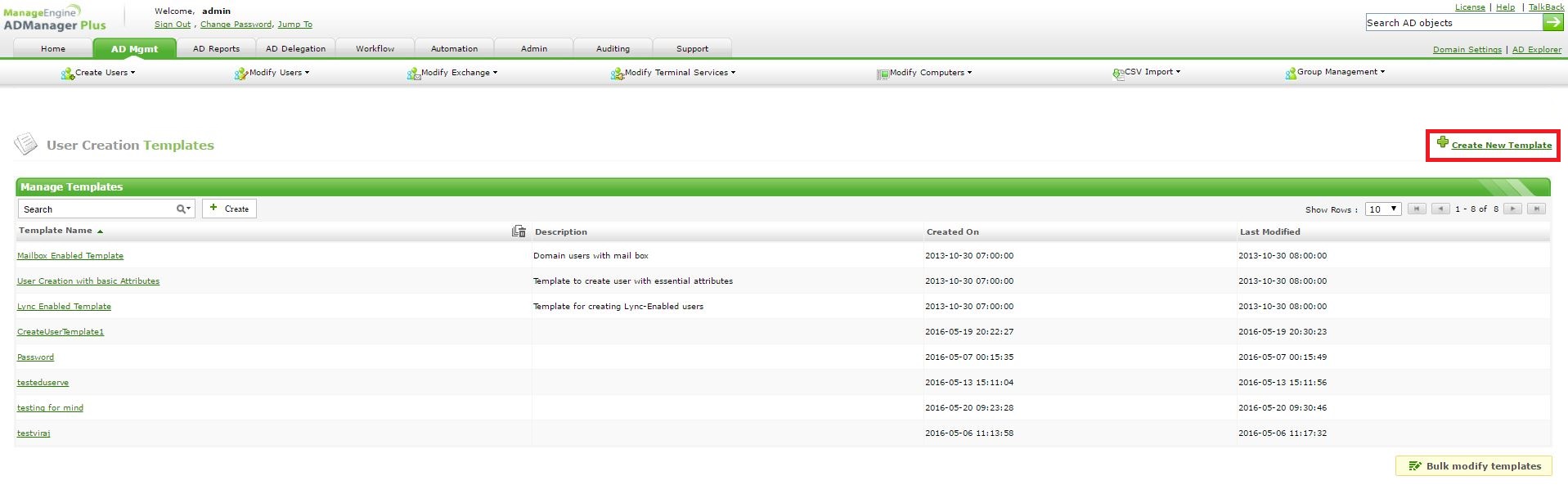
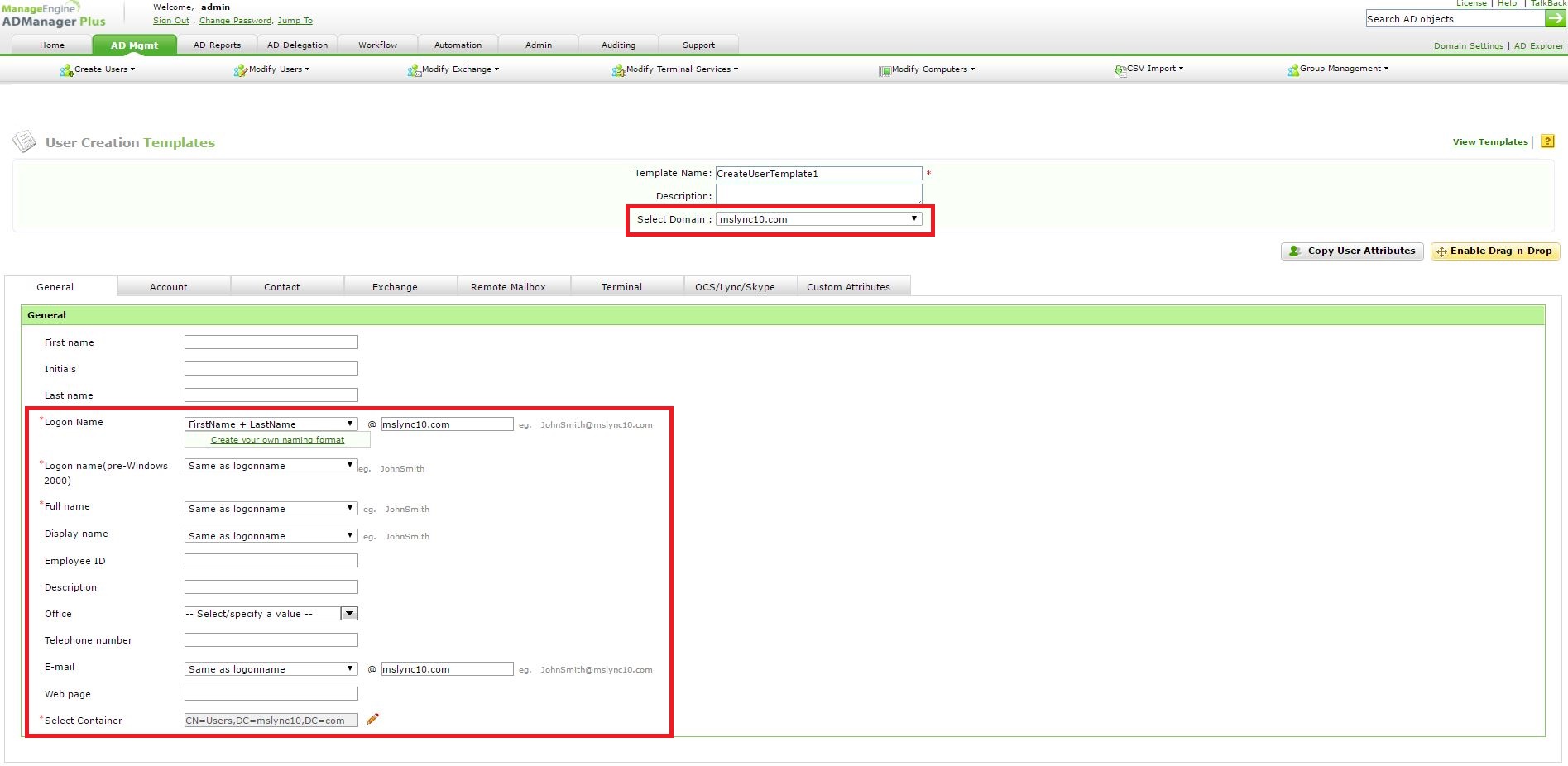
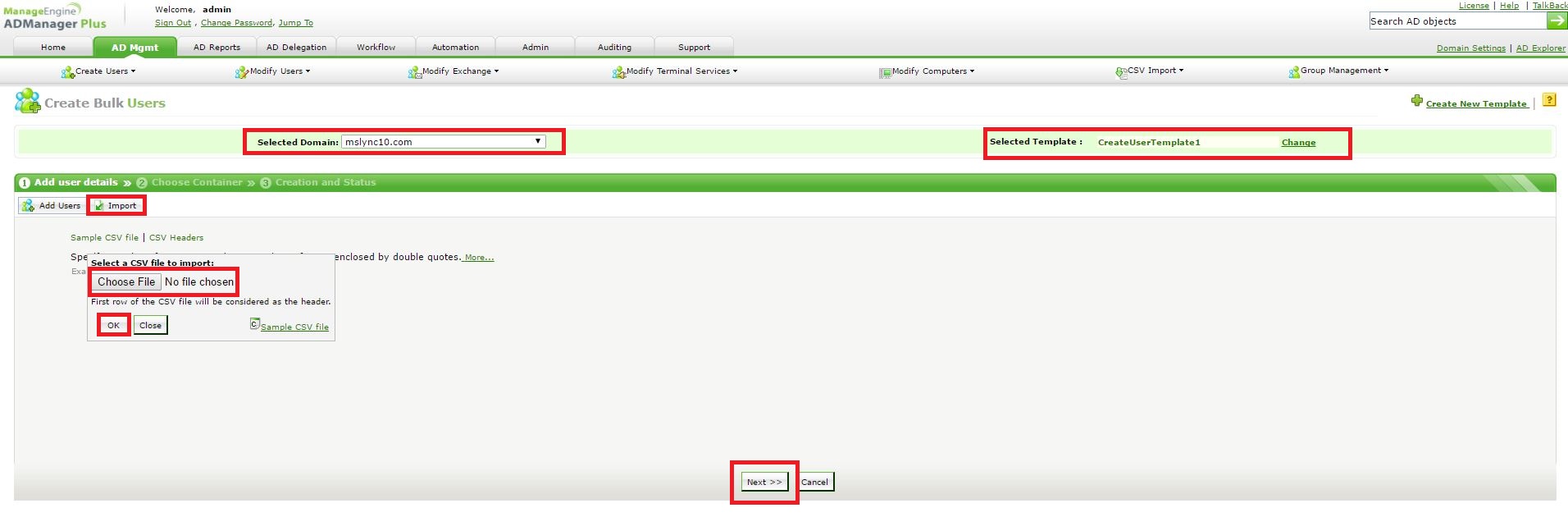
Step 6: Choose your domain--> Choose the template pertaining to that domain --> Import your CSV file and click OK to start creating users --> Perform the same for all the other domains.
Topic Participants
Shane Clinton