Introducing Zia - Your AI Assistant for Smarter Mobile Device Management
We're excited to announce a powerful new addition to iOS admin app of Mobile Device Manager Plus – Zia, your AI assistant powered by Apple Intelligence.
With Zia, get instant answers about your mobile device fleet in a single conversation. Ask anything - list devices by status, retrieve specific details, explore available actions, and execute management tasks, without the friction of traditional menu navigation. What used to take multiple manual steps now takes one question.
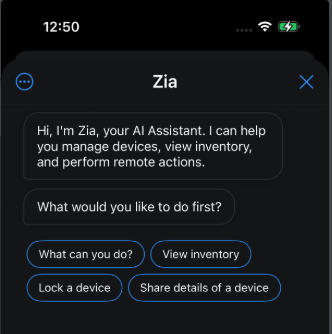
What you can do with Zia today:
Device Discovery and Intelligence
Device Details
Get Users and Groups
Locate Device
PerformSteps to Get Started with Zia
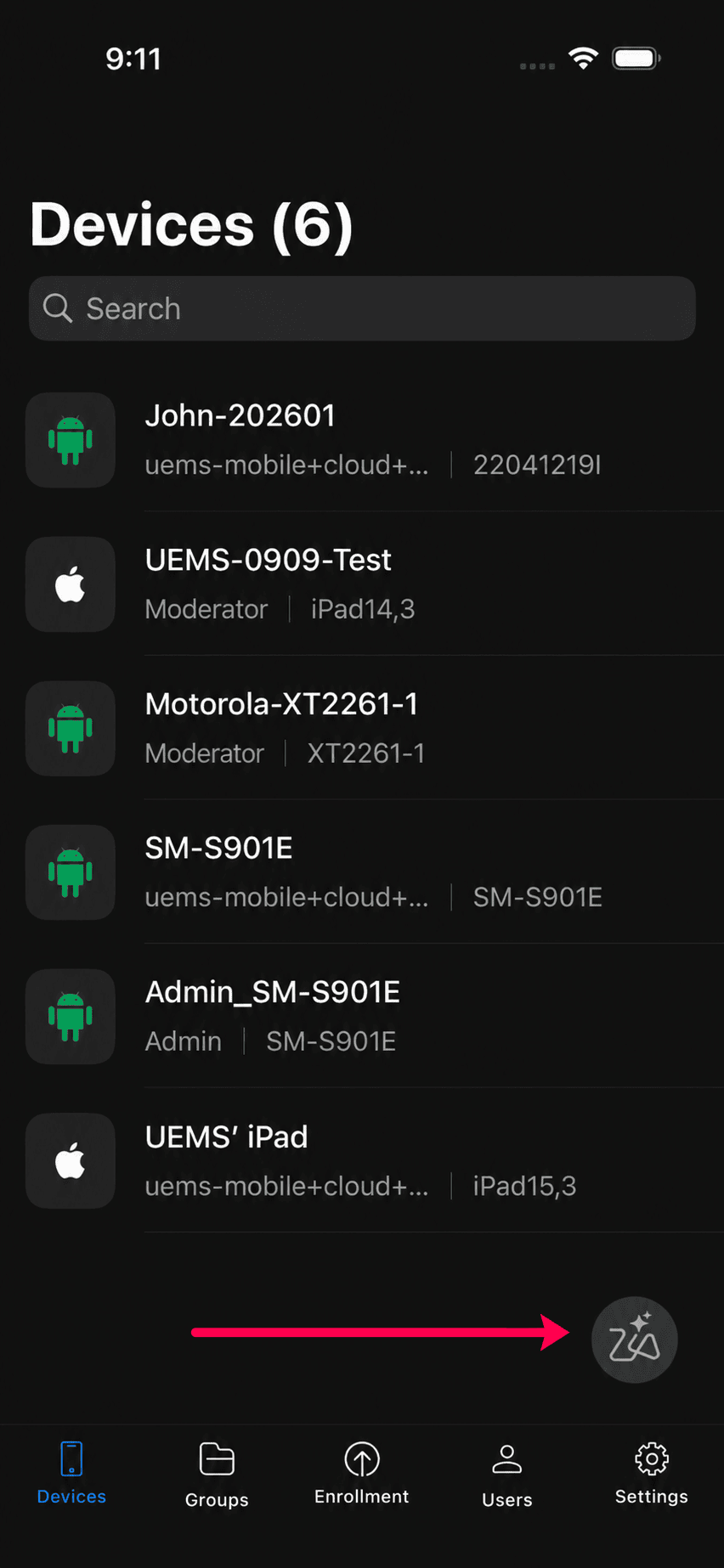
In your Mobile Device Manager Plus Admin app, tap the Zia icon in the bottom-right corner to launch Zia.
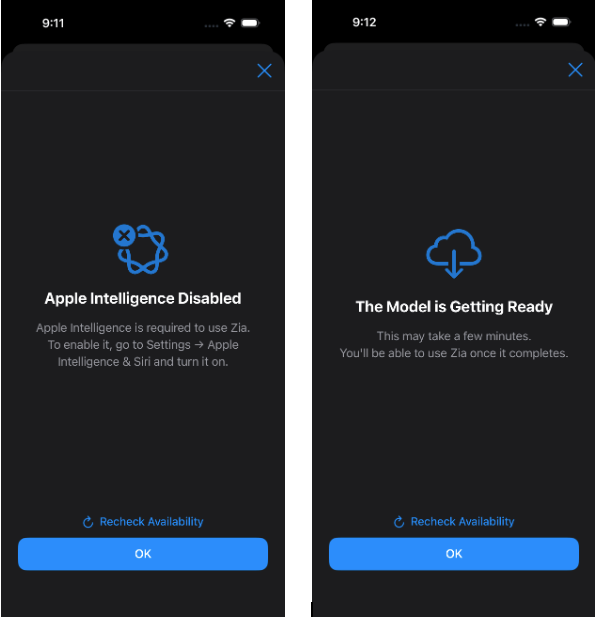
If prompted, enable Apple Intelligence on your device. To do so, go to Settings > Apple Intelligence & Siri and turn on Apple Intelligence. Once the model is ready, you can start using Zia.
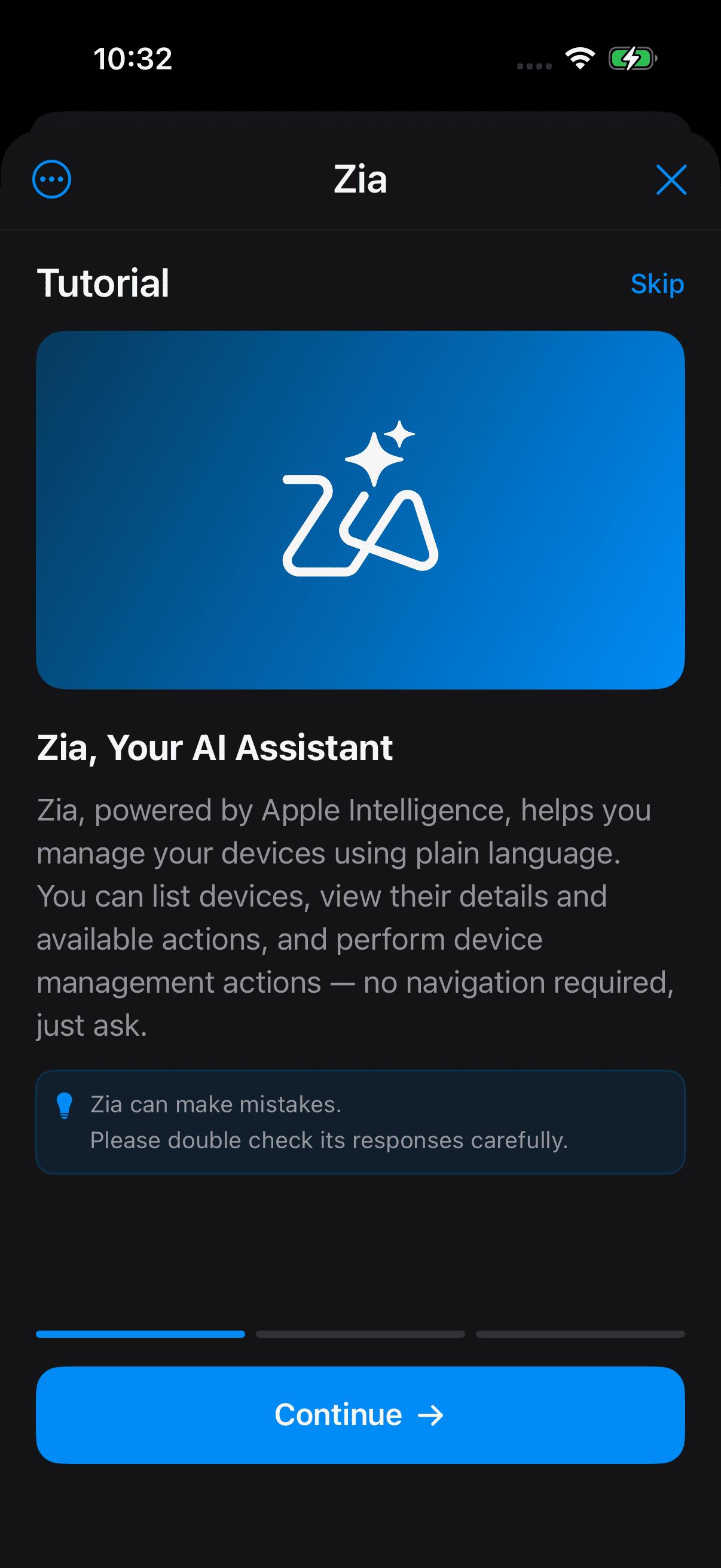
You're all set. You can now start chatting with Zia and explore its capabilities. Complete the tutorial to learn more.
Available Actions
Device Management & Control
Lock Device
Scan Device
Restart Device
Shutdown Device
Manage Passcode
Manage Kiosk Mode
Manage Lost Mode
Remote Support and Monitoring
Remote Alarm
Remote Control
Remote View
How to get started:
Topic Participants
Reeni B