Authorization Warning : on accessing view solution from Self Service Portal
If you happened to come across situations, where users are unable to access "I am looking for a Solution" from their Self Service Portal, even though they have access to the solutions tab. Then this article is for you.
Behavior Change: 11118
SD-89683: If any custom widget is configured with the '/SolutionsHome.do' URL, then the operation param '/SolutionsHome.do?action=view' must be included in the URL, or else an error message mentioning "you are not authorized" will be thrown.
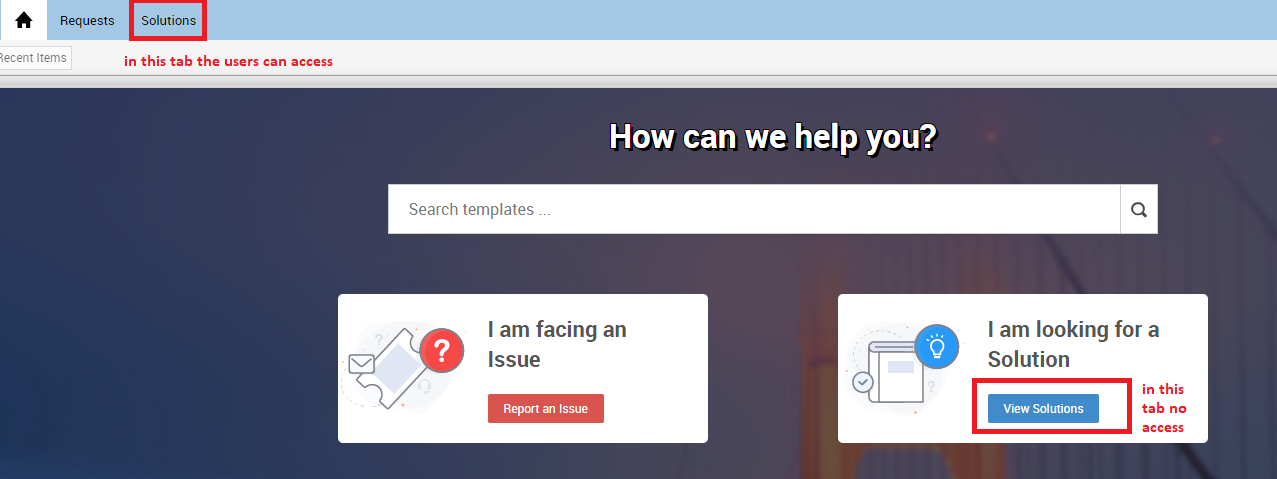
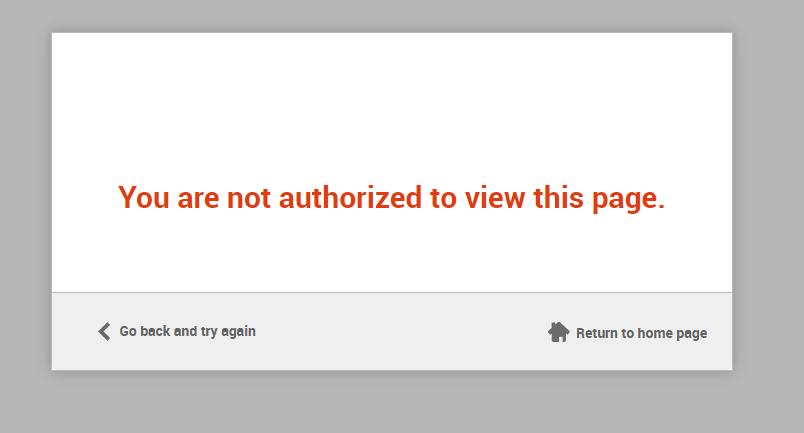
Solution: (Applicable only for 11118 build and onwards)
Either, you can restore the customization to the default settings (Admin tab >> Self Service Portal settings >> Customize Self Service Portal >> Edit >> particular theme >> Restore to default)
Note: On restoring to default will remove all customization from the theme.
Or
You can update the URL from (Admin tab >> Self Service Portal settings >> Customize Self Service Portal)
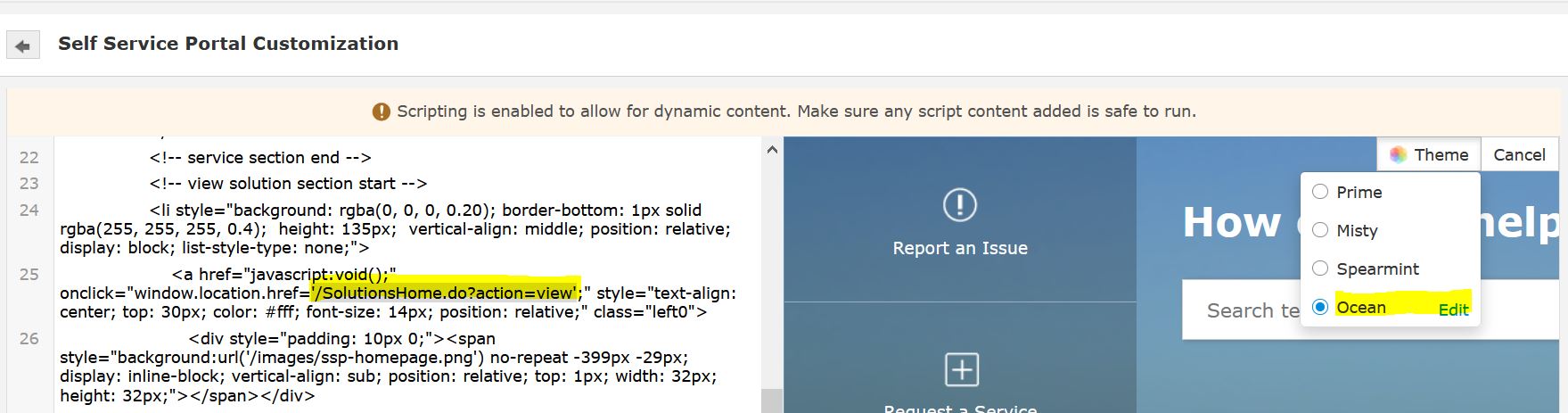
Look for '/SolutionsHome.do' and replace it with '/SolutionsHome.do?action=view' . Now users will be redirected to the solution page on accessing "I am looking for a Solution".
Topic Participants
Michael Charles