ADSelfservice Plus - MFA issue: This page can't be displayed
Hi All,
We got an issue with enabling MFA on endpoints.
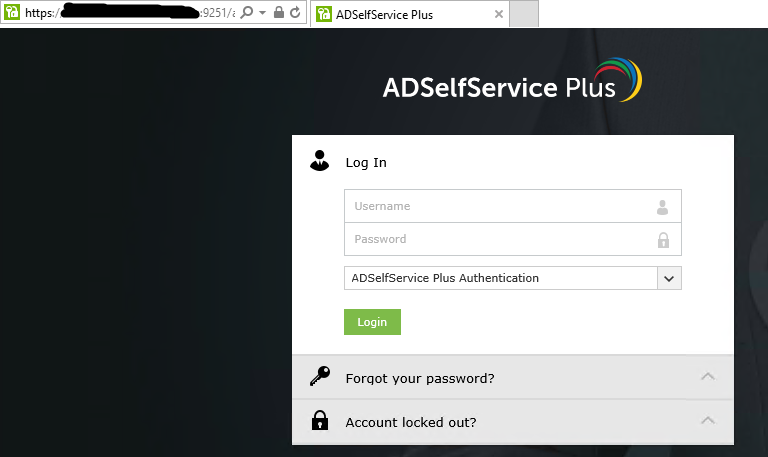
From our endpoints (OS: Windows server 2016), we access the ADSelfservice server with port 9251 using Internet Explorer successfully.
We installed agent on our endpoints, and then MFA screen displayed as shown below:
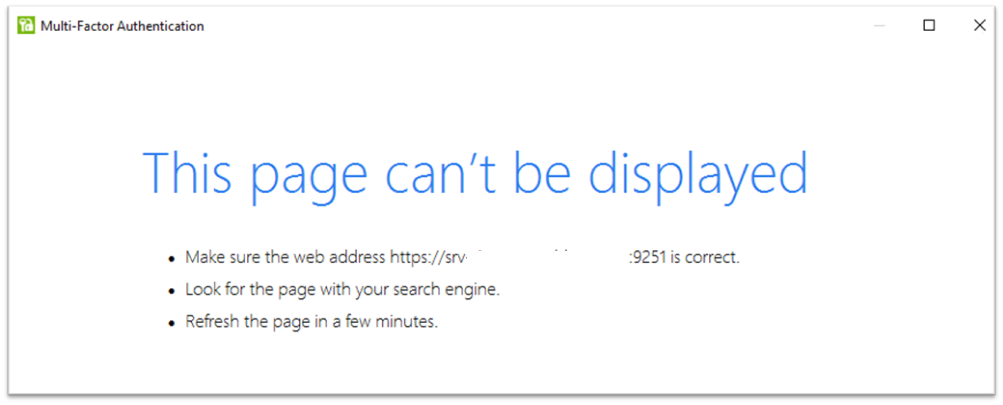
We tried unchecking “Restrict user access when there is an invalid SSL certificate”
on GINA/Mac/Linux Customization UI, disabling Enhanced Protected Mode in Internet explorer, resetting Internet Explorer (delete personal settings) but nothing changed.
Please give me advice to solve this problem.
Thank you.
Topic Participants
Tuan
ADSelfService Plus