Managing and Unmanaging DNS domains in DDI Central Windows

Managing and Unmanaging DNS domains in DDI Central Windows

Managing and Unmanaging DNS domains in DDI Central Windows

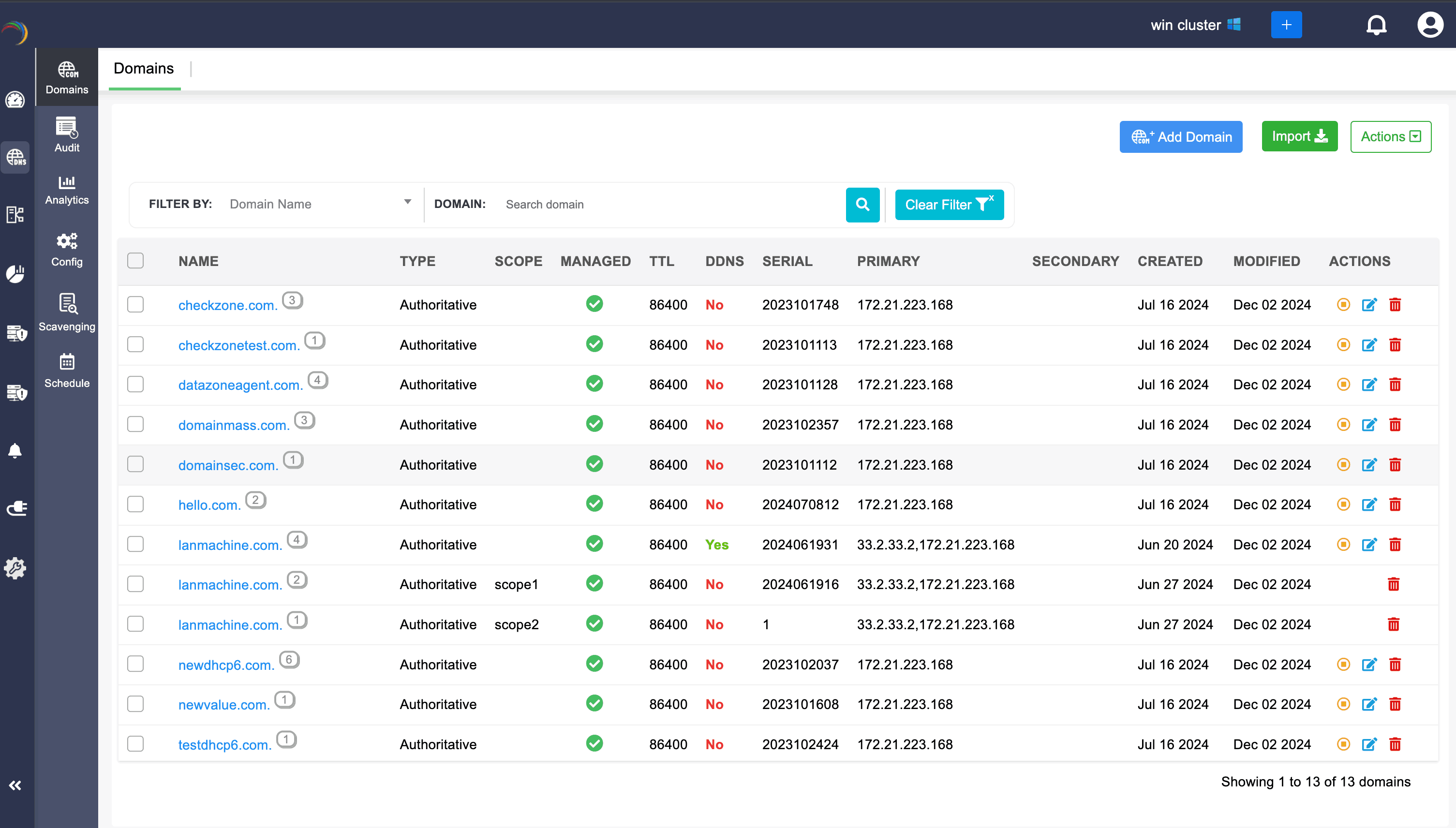
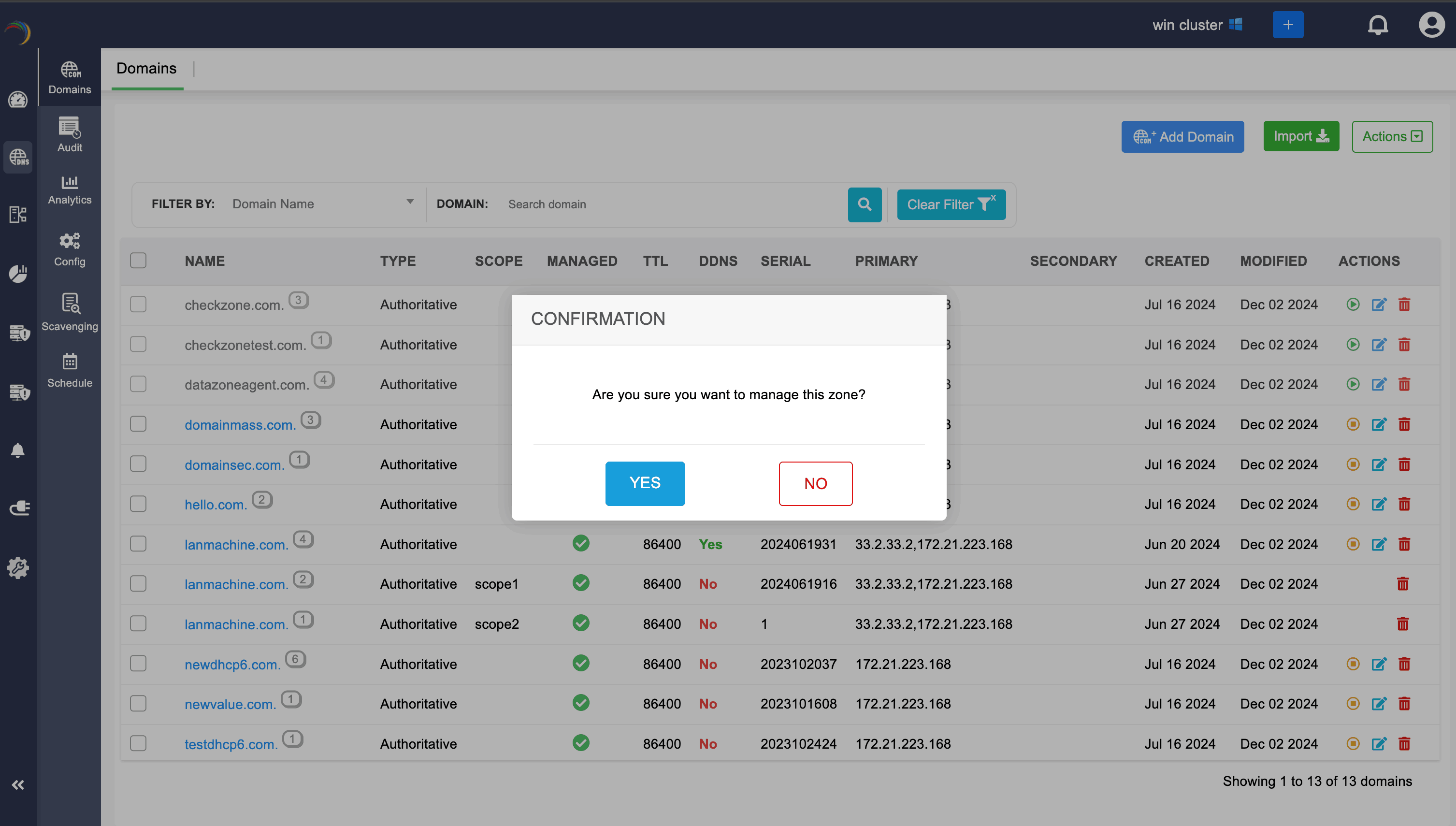
Admins can exclude managing the zones that exceed their license limits by clicking on the yellow Unmanage icon, which switches the domains to an unmanaged state.
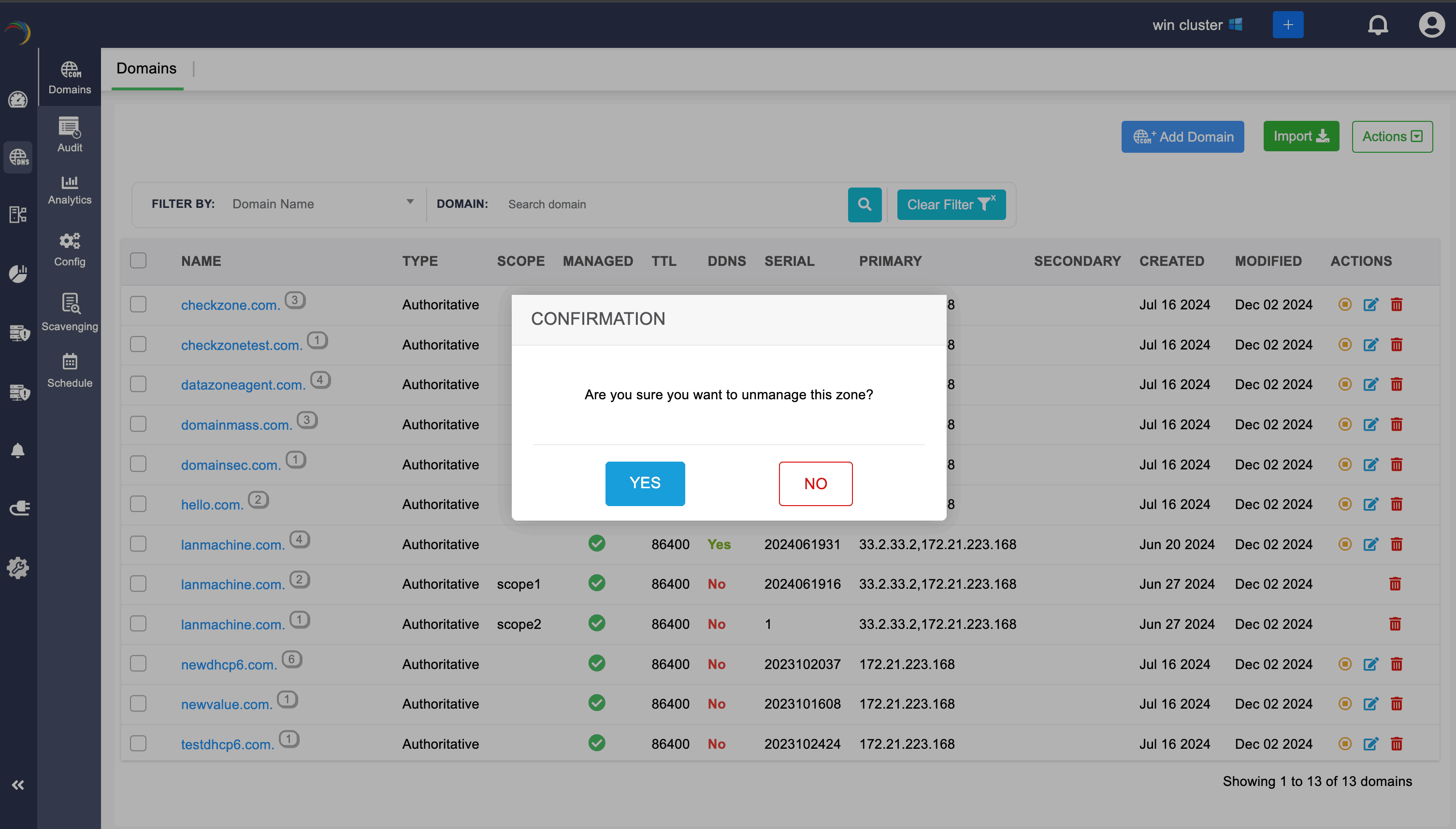
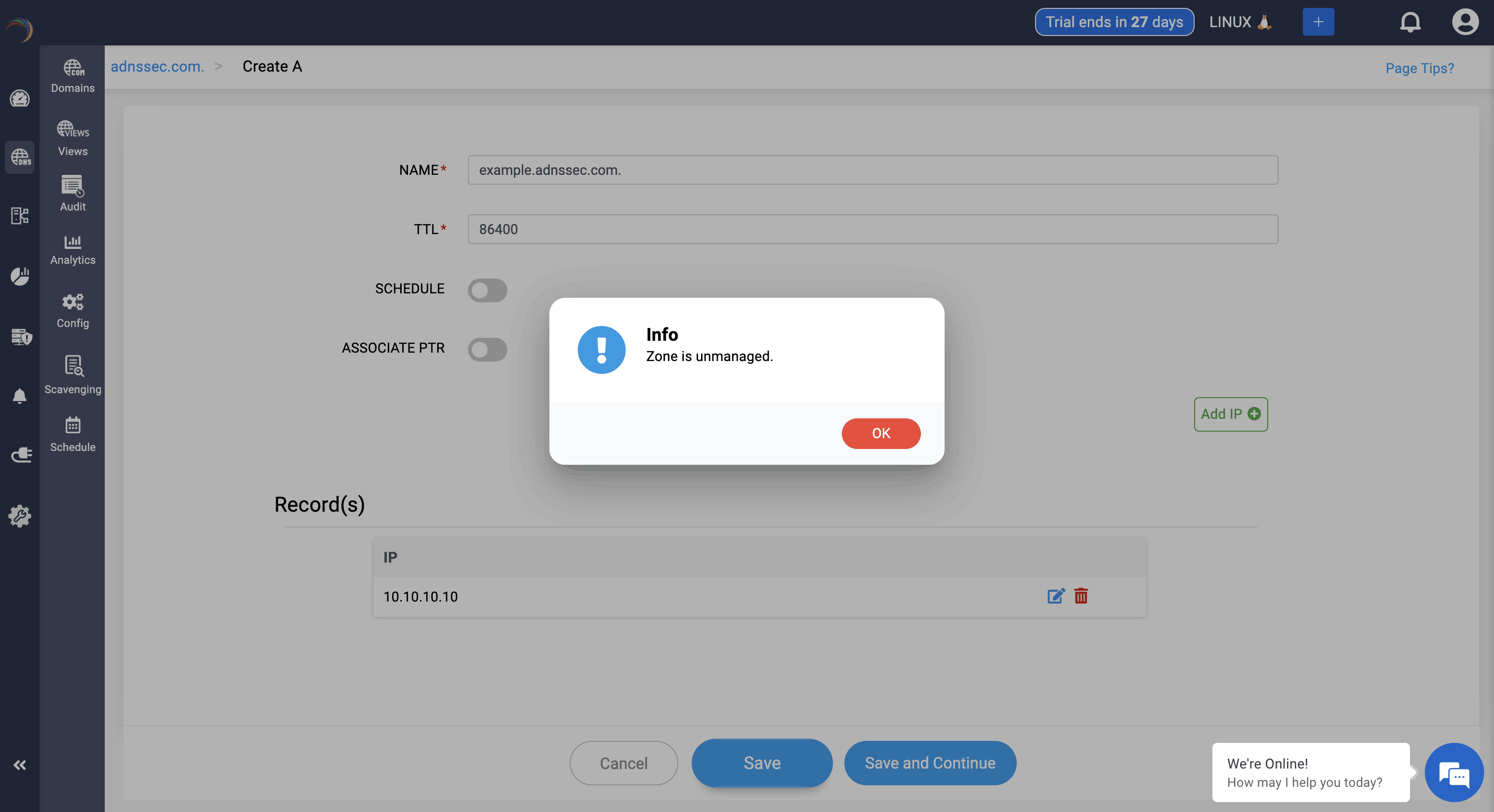
After unmanaging a particular domain, network admin can still view into the zone files of the domain, but they can't add or edit a specific record. They can't edit the domain information as well.
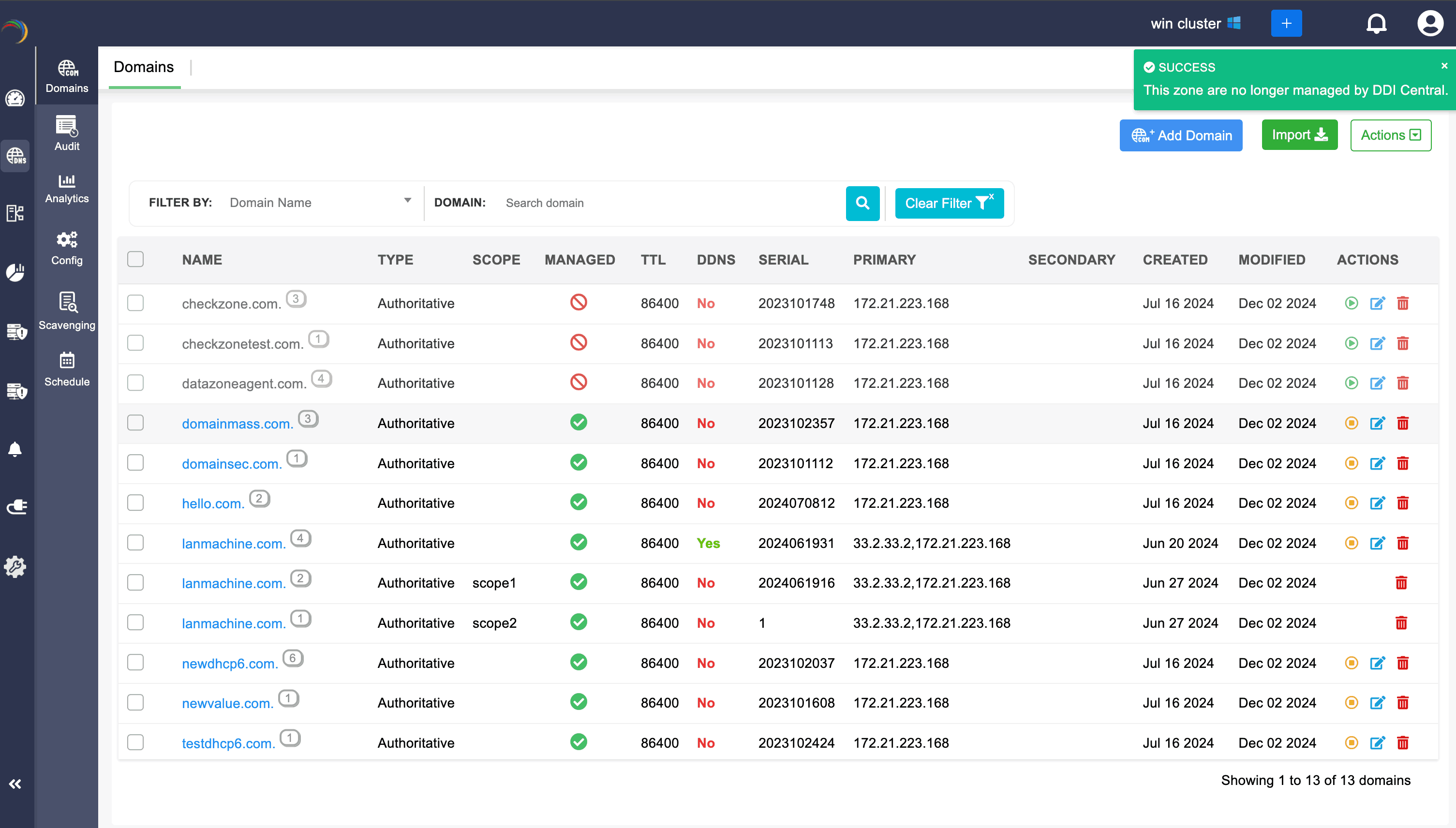
After unmanaging the domain, if the network admins again wants to manage the domain, they can be turned to the managed state by clicking on the green Manage icon.
                  New to ADSelfService Plus?

                    • Related Articles

                    • DDI Central for Microsoft DNS DHCP

                      About ManageEngine DDI Central DDI Central is a comprehensive network management solution that unifies DNS, DHCP, and IP Address Management (IPAM) to enhance operational efficiency and network stability. It is deployed as an overlay on your existing ...
                    • Adding AD domains in DDI Central

                      Adding AD domains in DDI Central DDI Central's Windows Microsoft version, with the new release, now facilitates the flexibility of creating Active Directory domains within the application. DNS records of the domains gets stored inside AD database and ...
                    • Microsoft Pre-requisites

                      Agentless management of Microsoft DNS and DHCP servers Agentless management of Microsoft DNS and DHCP management refers to managing and monitoring these services without installing additional software (agents) on the servers themselves. This approach ...
                    • About DDI Central

                      About ManageEngine DDI Central DDI Central is a comprehensive network management solution that unifies DNS, DHCP, and IP Address Management (IPAM) to enhance operational efficiency and network stability. It is deployed as an overlay on your existing ...
                    • DDI Central Windows system settings

                      DDI Central System settings DDI Central provides customizable time configurations for both DNS and DHCP services, which lets administrators can set their own time period, based on their system configurations. This helps admins automate network tasks ...