How to filter the incoming traps?
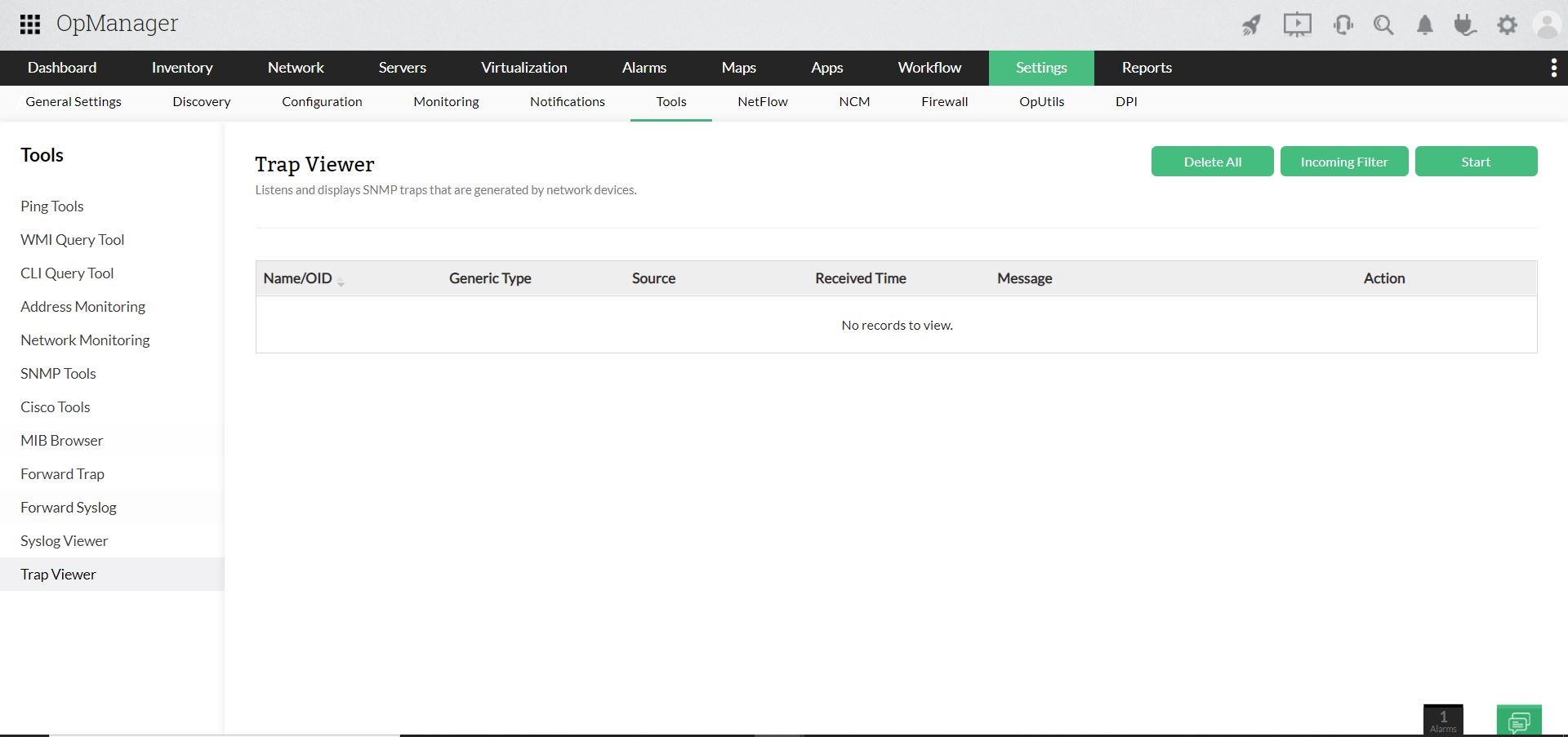
- Navigate to Settings --> Monitoring --> SNMP Trap Processors. (or) Settings->Tools->Trap viewer. (or) Alarms->Trap Alarms->Trap viewer
- Click on Trap Viewer button.)
- Click on Incoming Filter.
- Select the Source (a device from the drop down).
- Enter the Object ID.
- Select the SNMP Version and Credential.
- Click on Apply.
- Now, click Start to receive traps.
Note:
- The Incoming Filter option filters the incoming traps according to the criteria specified and enables the user to view only those traps.
- Use the Delete All option to delete all the configured traps.