DDI Windows bulk server import

DDI Windows bulk server import

DDI Windows bulk server import

DDI Central Windows bulk server import facilitates importing multiple servers with their credentials and details into the application at a single time, without the need to add each server manually.
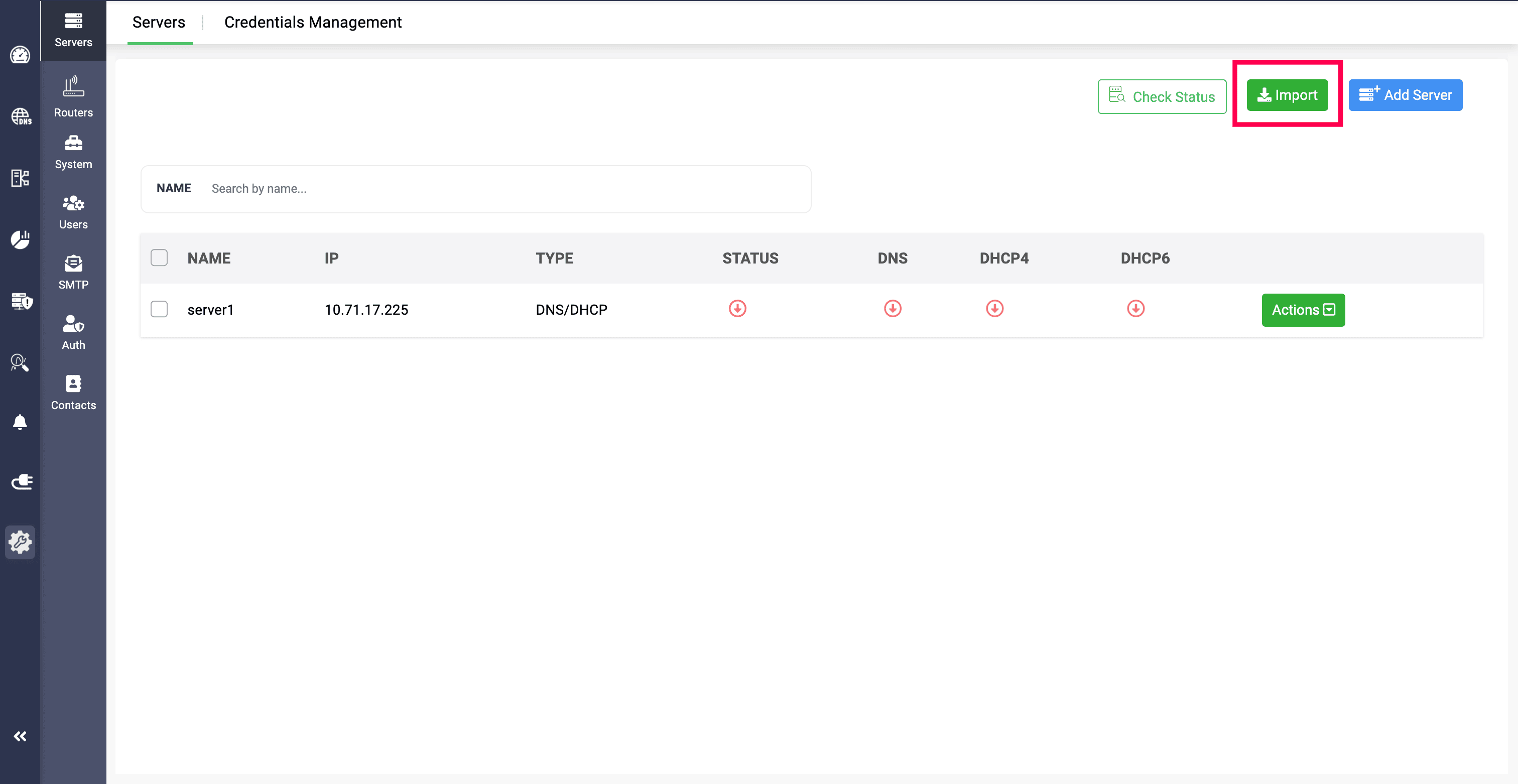
Network admins need to provide all the server details, credentials and the name of credentials in sheets and upload it in CSV format.

If the credential is already added in the application with a name given, you just need to provide the credential's name in the file. DDI Central will then detect and identify credential using the name, then they will be signed in to import them.

Or, you can simply provide the credentials in the file, and the application will be using them to sign in and import them.


                  New to ADSelfService Plus?

                    • Related Articles

                    • Managing microsoft windows DHCP server

                      Managing Microsoft Windows DHCP Scopes Table of Contents What is a Scope in Microsoft Windows DHCP servers? Subnets (DHCPv4 and DHCPv6 Subnets) Special case for IPv6 based subnet Multicast subnets Shared Networks or Superscopes Hosts or DHCP ...
                    • DDI Central for Microsoft DNS DHCP

                      About ManageEngine DDI Central DDI Central is a comprehensive network management solution that unifies DNS, DHCP, and IP Address Management (IPAM) to enhance operational efficiency and network stability. It is deployed as an overlay on your existing ...
                    • DDI Central Windows system settings

                      DDI Central System settings DDI Central provides customizable time configurations for both DNS and DHCP services, which lets administrators can set their own time period, based on their system configurations. This helps admins automate network tasks ...
                    • Microsoft Pre-requisites

                      Agentless management of Microsoft DNS and DHCP servers Agentless management of Microsoft DNS and DHCP management refers to managing and monitoring these services without installing additional software (agents) on the servers themselves. This approach ...
                    • Configuring database in DDI Central Windows

                      Configuring database in DDI Central Windows Network admins need to configure the database by providing the remote IP address of the postgres server, the port number of the postgres service, the name of the postgres database, and the dedicated ...