Assign Technician for the unassigned requests using Notification Custom Function
Requirement:
When a technician addresses an unassigned request, the corresponding ticket is automatically assigned to that technician.
Steps to configure:
1. Download the attached scripts. Copy the contents into Notification custom functions.
2. Goto Admin > Developer Space > Global Function > New > Paste the global function contents and save it with a name.
Update the URL and integration/technician key in the script.
3. Goto Admin > Developer Space > Notification Custom Function > New > Paste the assign_technician.txt content and save it with a name
Update the global function count according to your instance. In my instances, its global_function_5();
4. Configure this in a custom trigger to get invoked every time a reply is received on a request. (Invoking Condition can be modified as per your requirement.
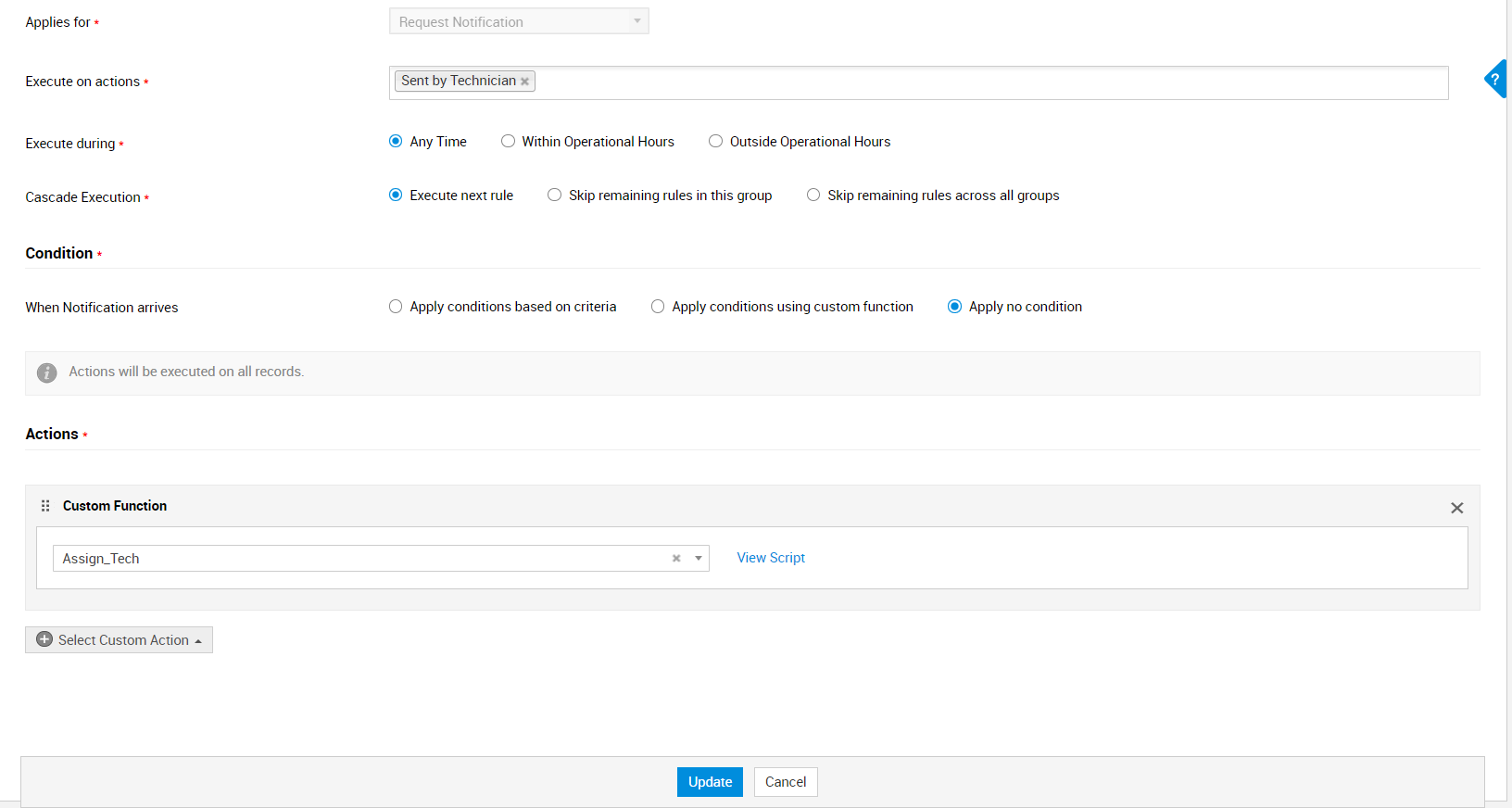
When technician T1 replies to the unassigned request custom trigger gets executed and T1 will be assigned to that request.