Track and Manage Automated Patch Deployments with the Mobile App
Now you can track Automated Patch Deployments on the go using the Endpoint Central MSP Admin app.
Monitor deployment progress across Windows, macOS, and Linux devices in real time, quickly identify task statuses, and access detailed deployment information from anywhere.
You can also take immediate action by suspending, resuming, or deleting deployment tasks directly from your mobile device, ensuring your patch management operations remain under control even when you're away from your desk.
Steps to Track Automated Patch Deployments
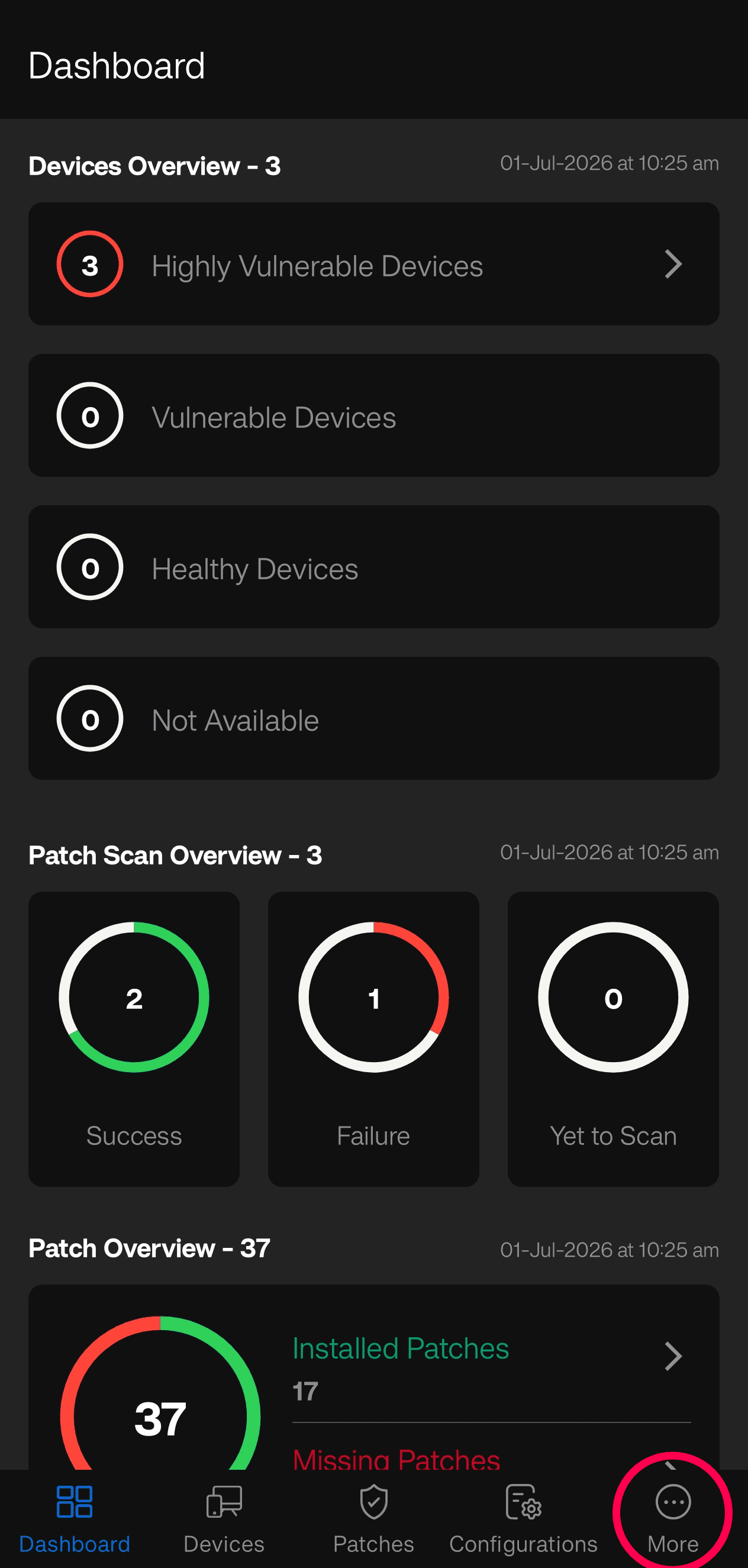
1. In the Endpoint Central MSP Admin app, navigate to Deployments by tapping the Deploy tab on iOS, or by tapping the More tab on Android

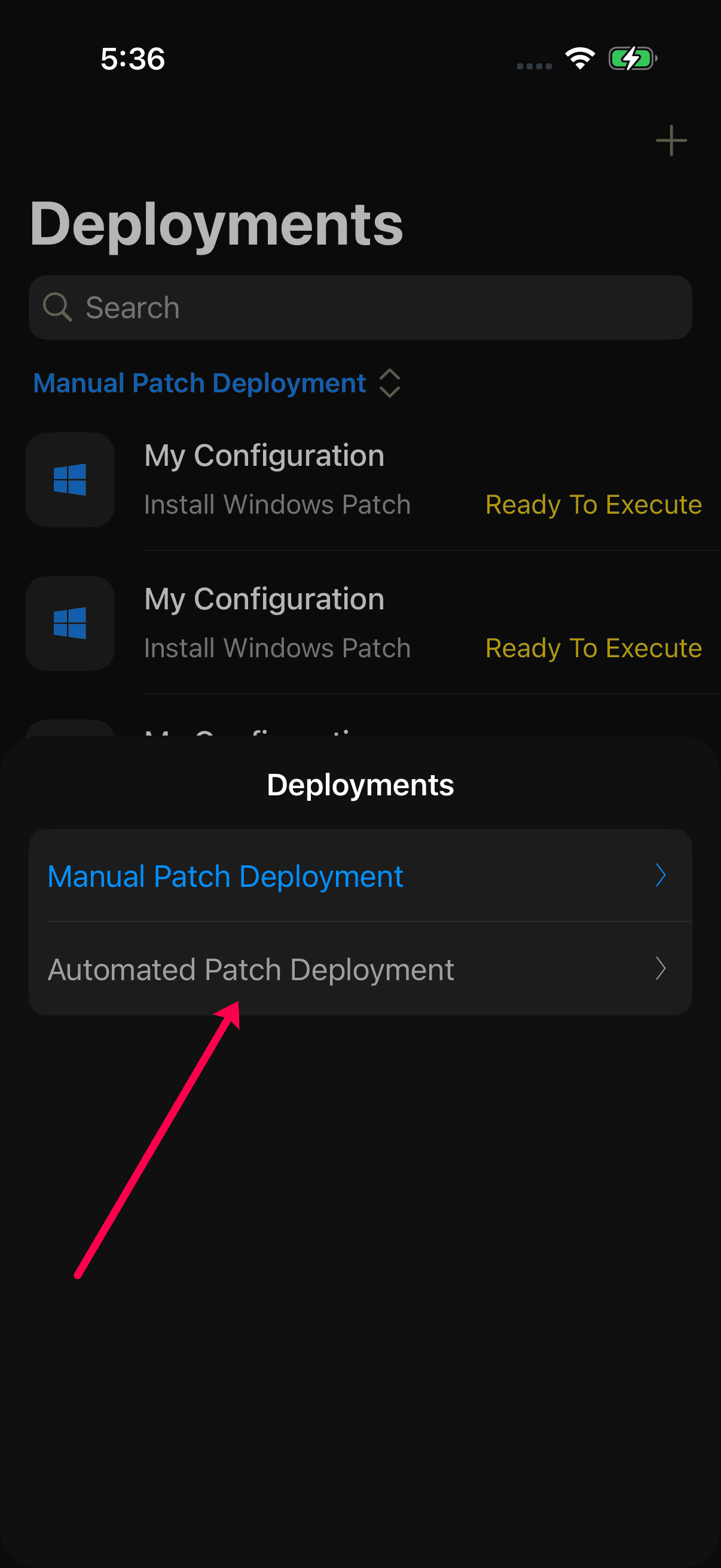
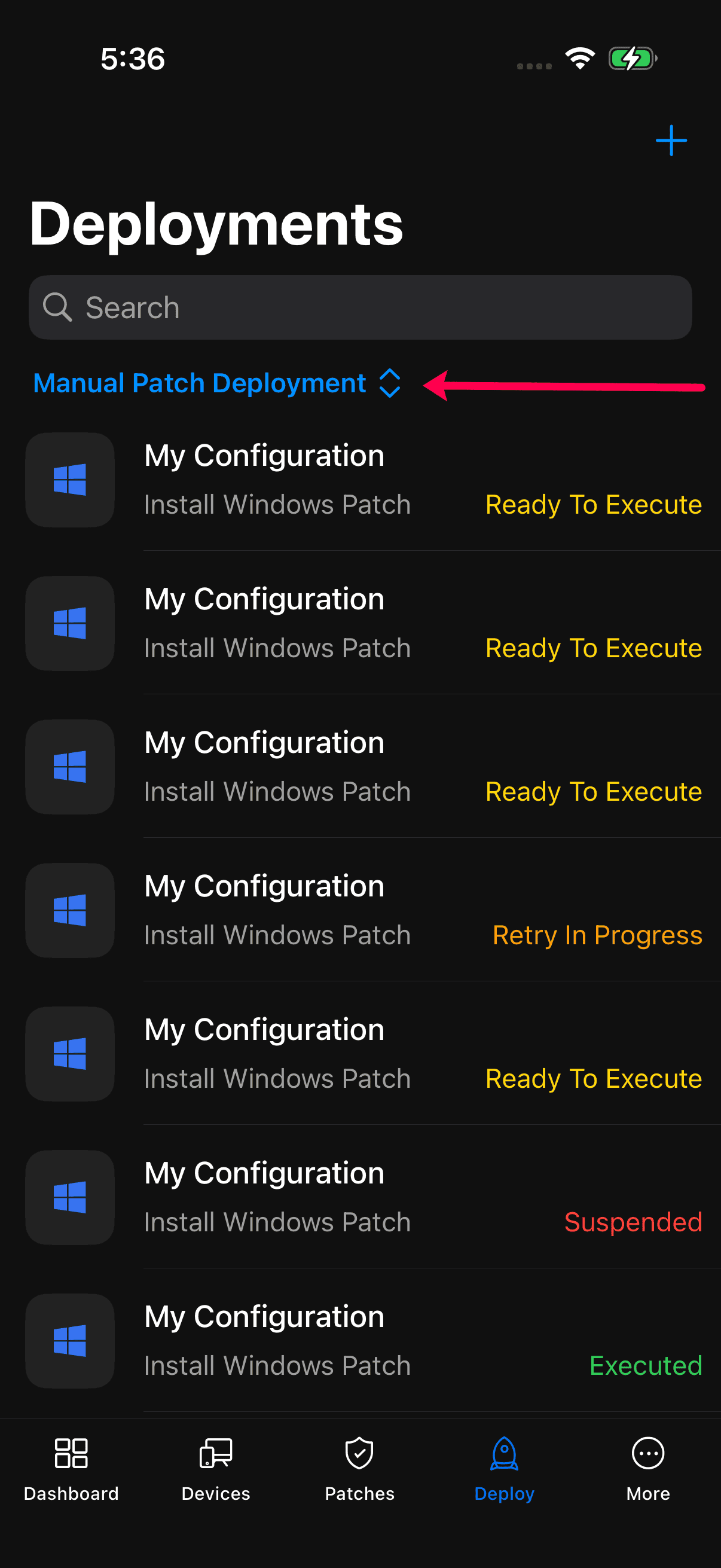
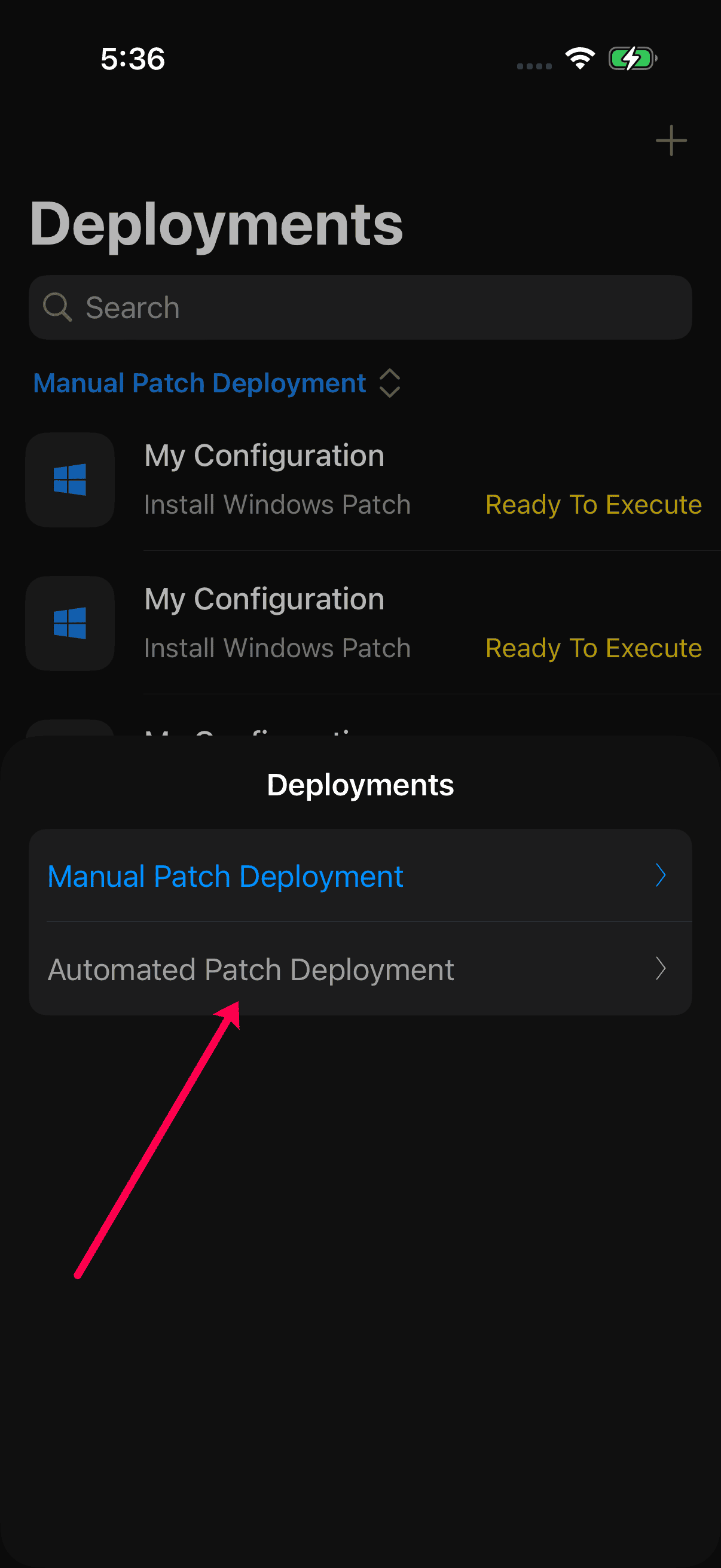
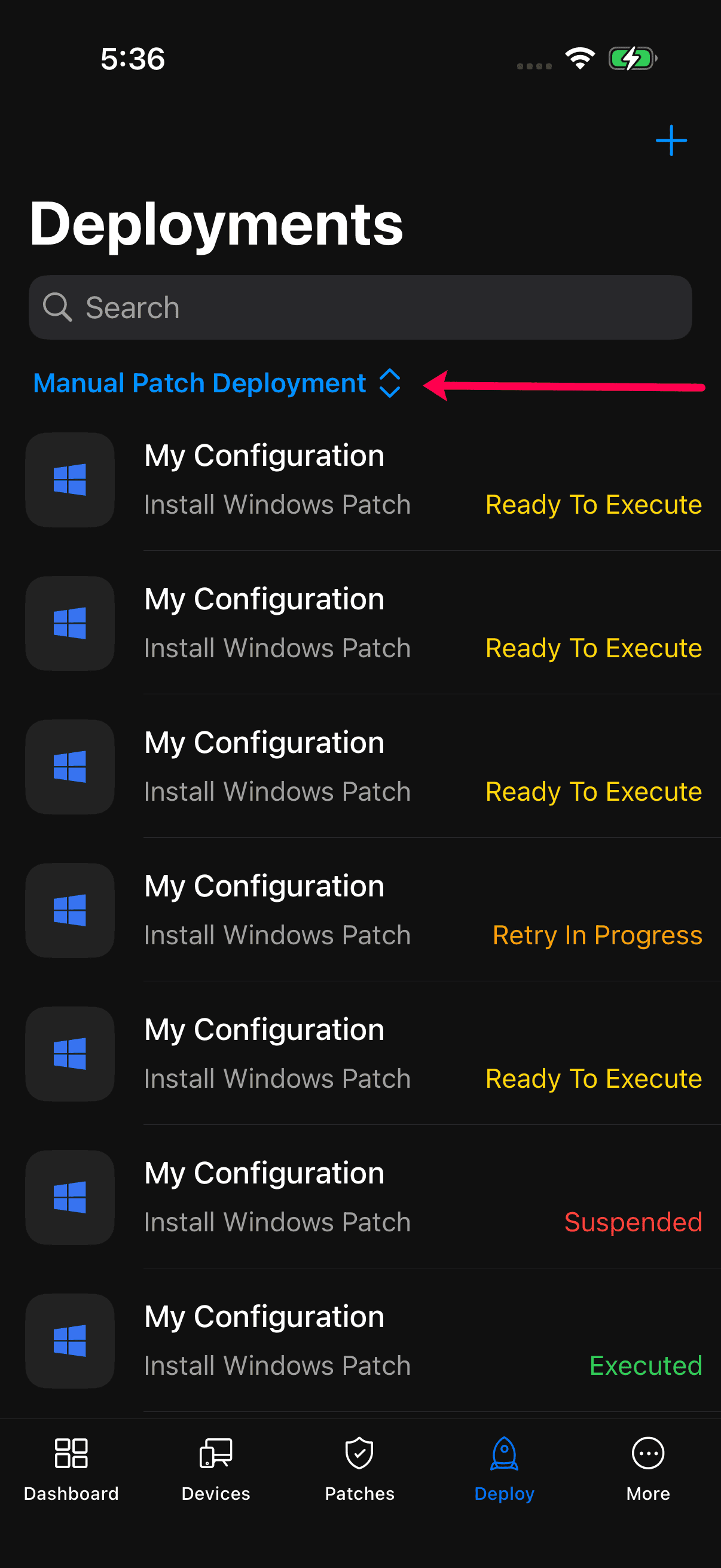
2.1. On iOS. in the Deployments tab, tap the deployment switcher, then select Automated Patch Deployment from the list.
2.2. On Android, in the More tab, tap on the Patch Deployments to expand the menu and then select Automate Patch Deployments.
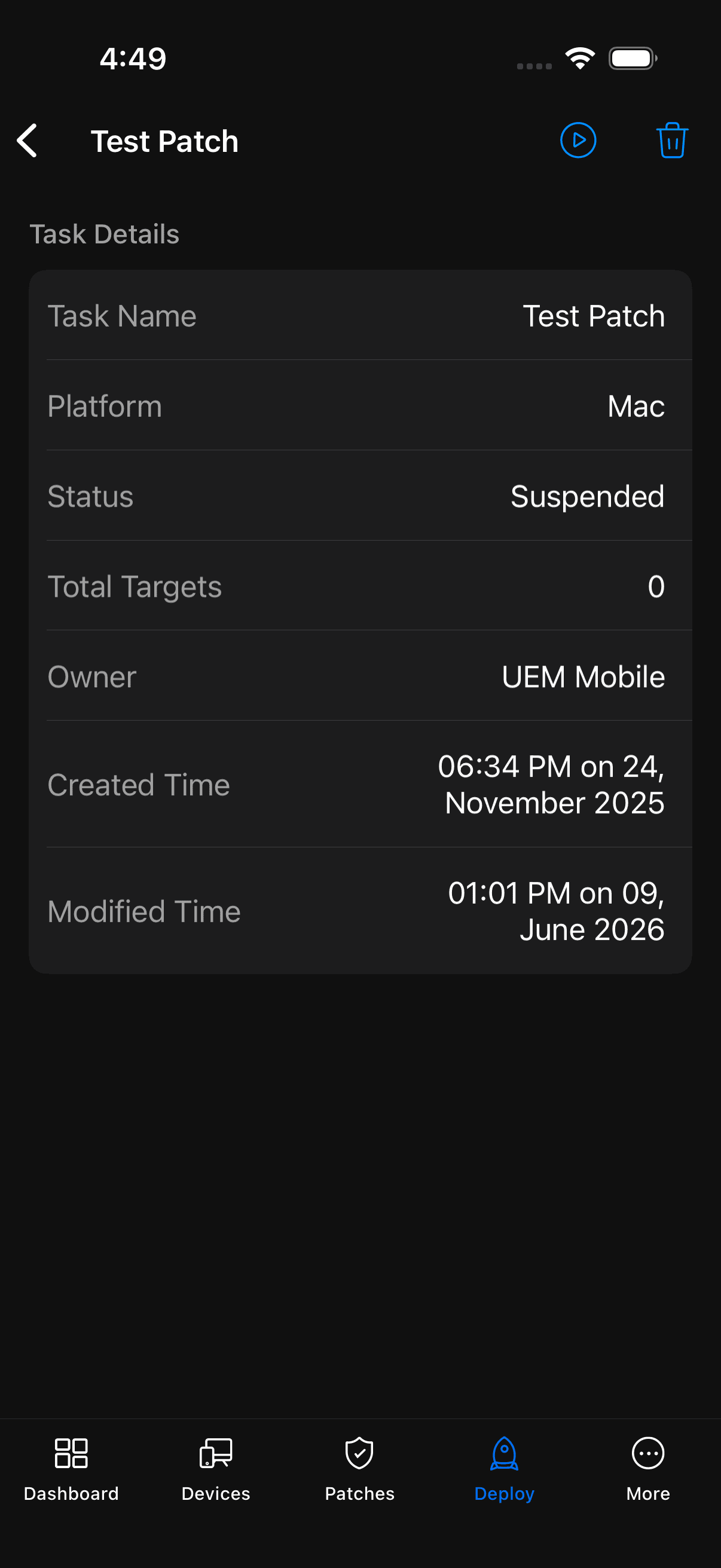
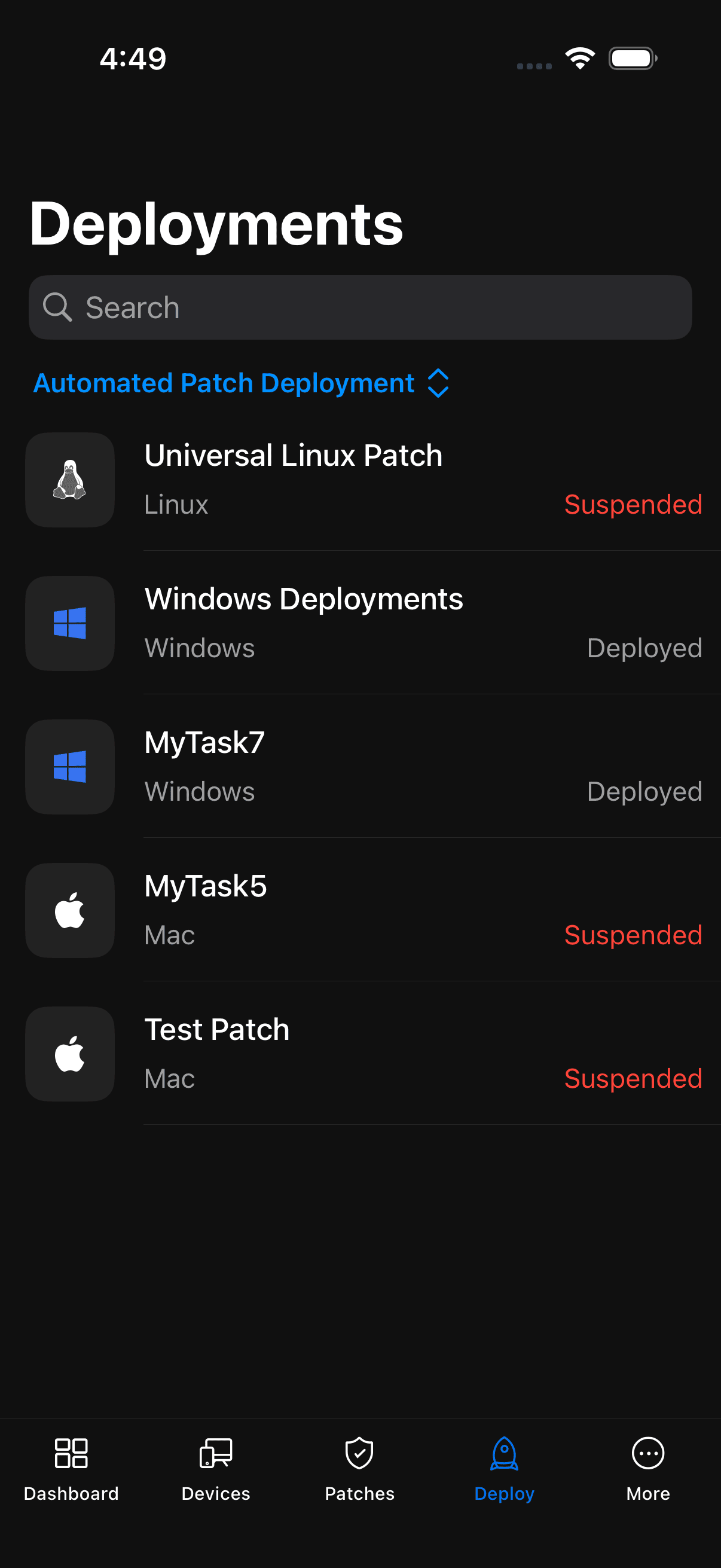
3. Under Automated Patch Deployments, you can track deployment progress, view task details, and suspend, resume or delete deployment tasks directly from the mobile app.
Regards,
The ManageEngine Team