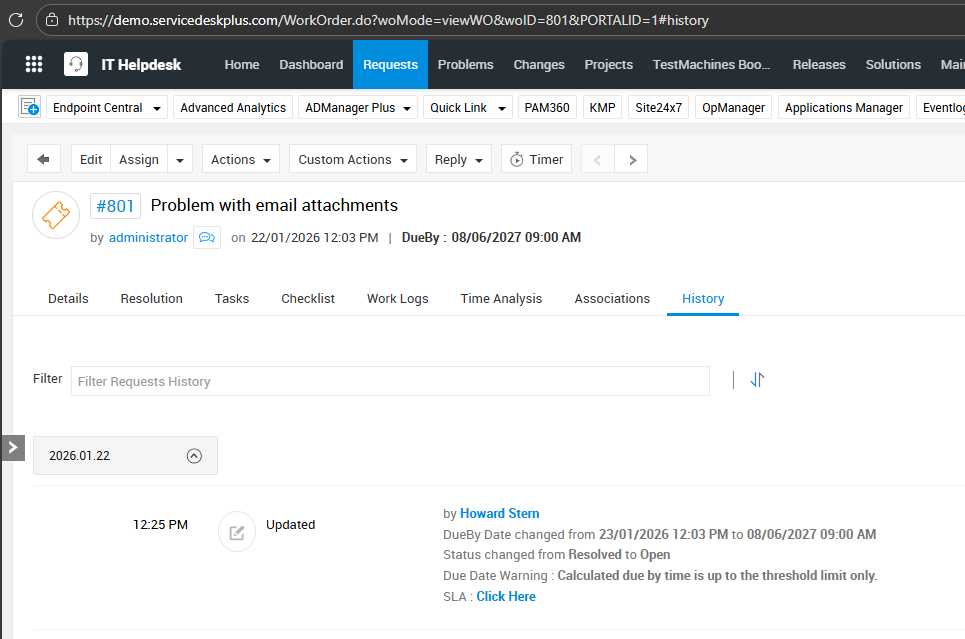
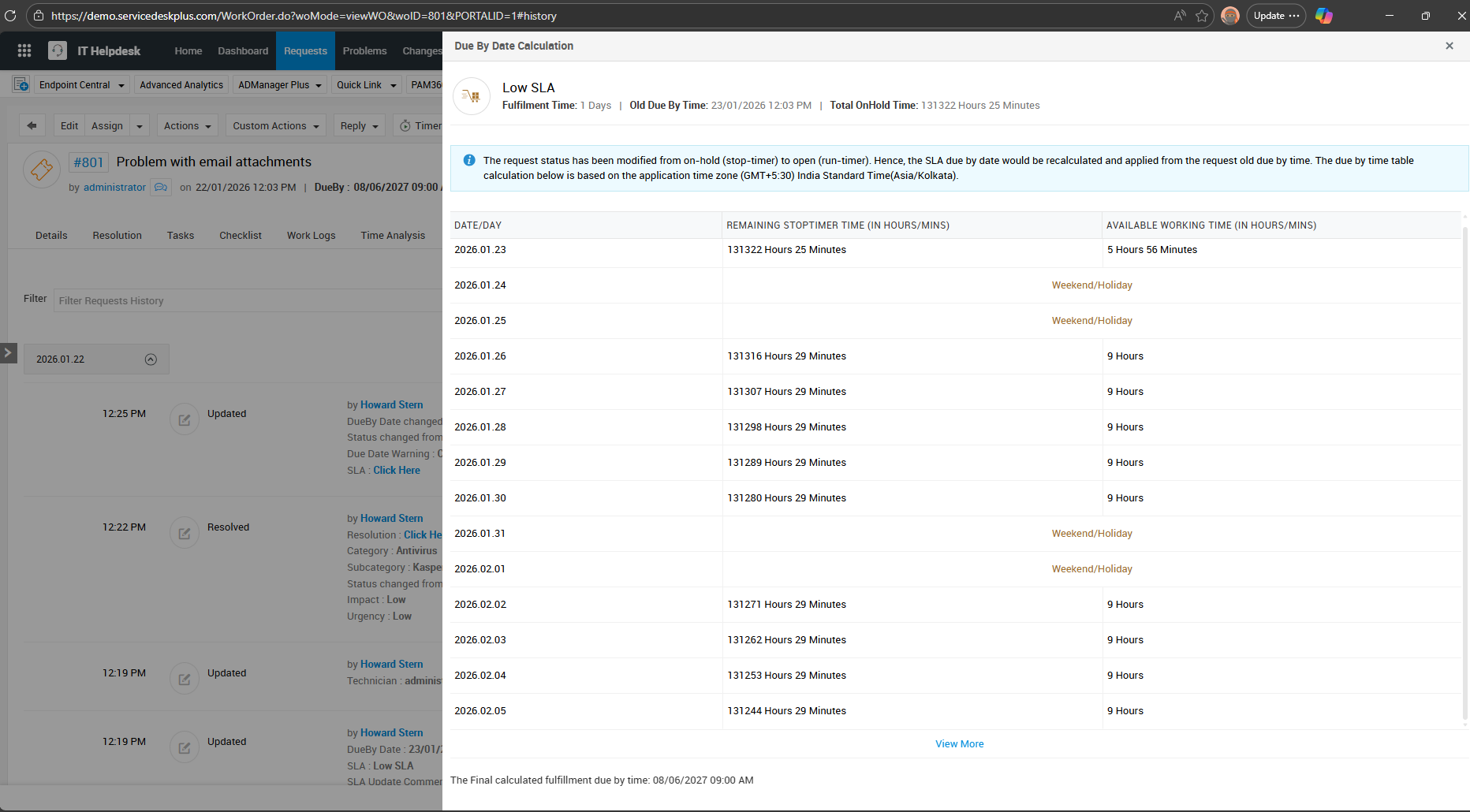
SLA Recalculation is not accurate when changing status from Resolved to Open when SLA has been edited
Steps to reproduce
1. Create a ticket/request that has assigned SLA so that due by time will be set.
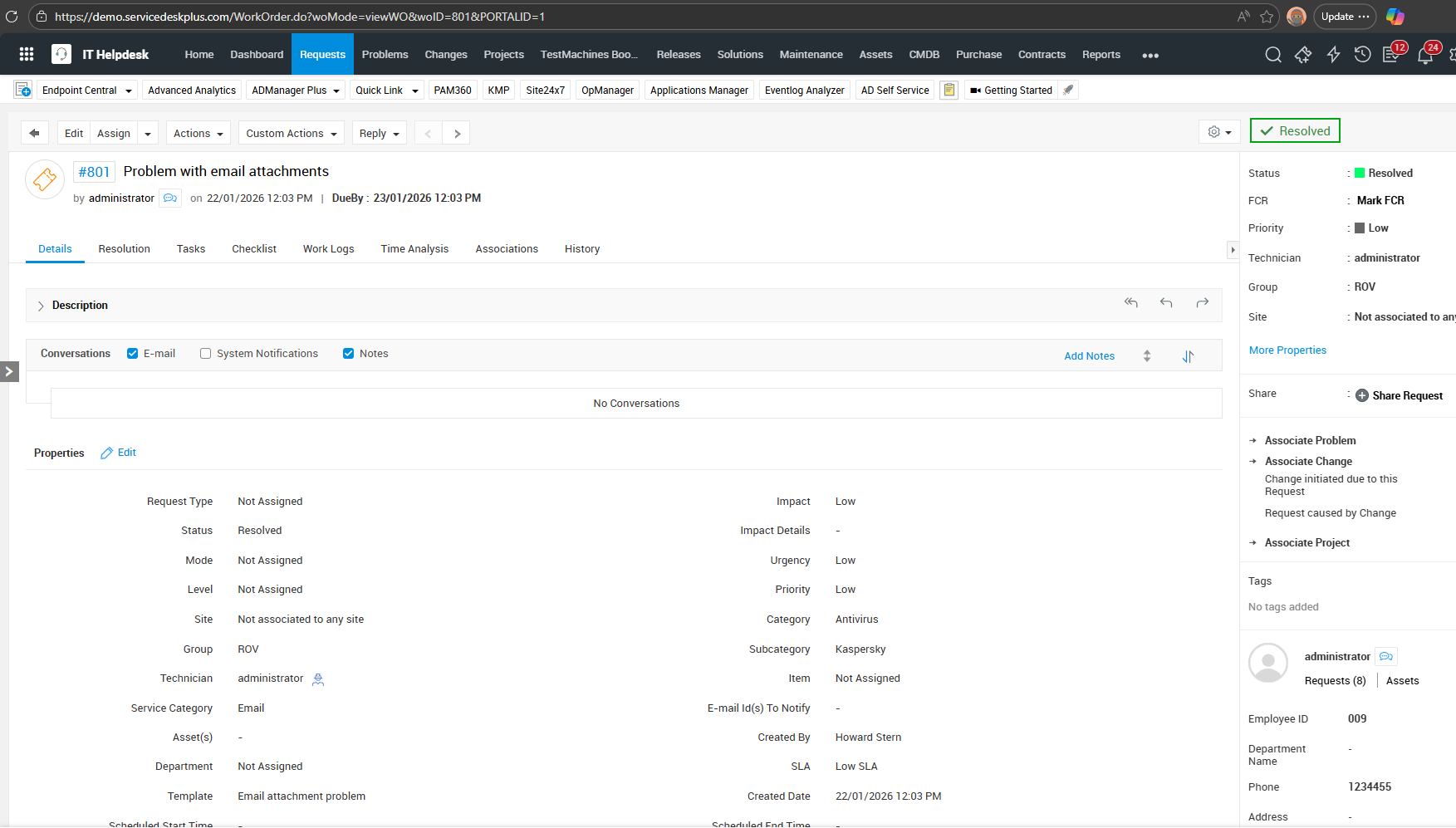
2. Process the ticket/request until it was Resolved.
3. Edit the SLA, like adding escalation for a specific technician.
4. Manually reopen the resolved ticket or change the status to Open.
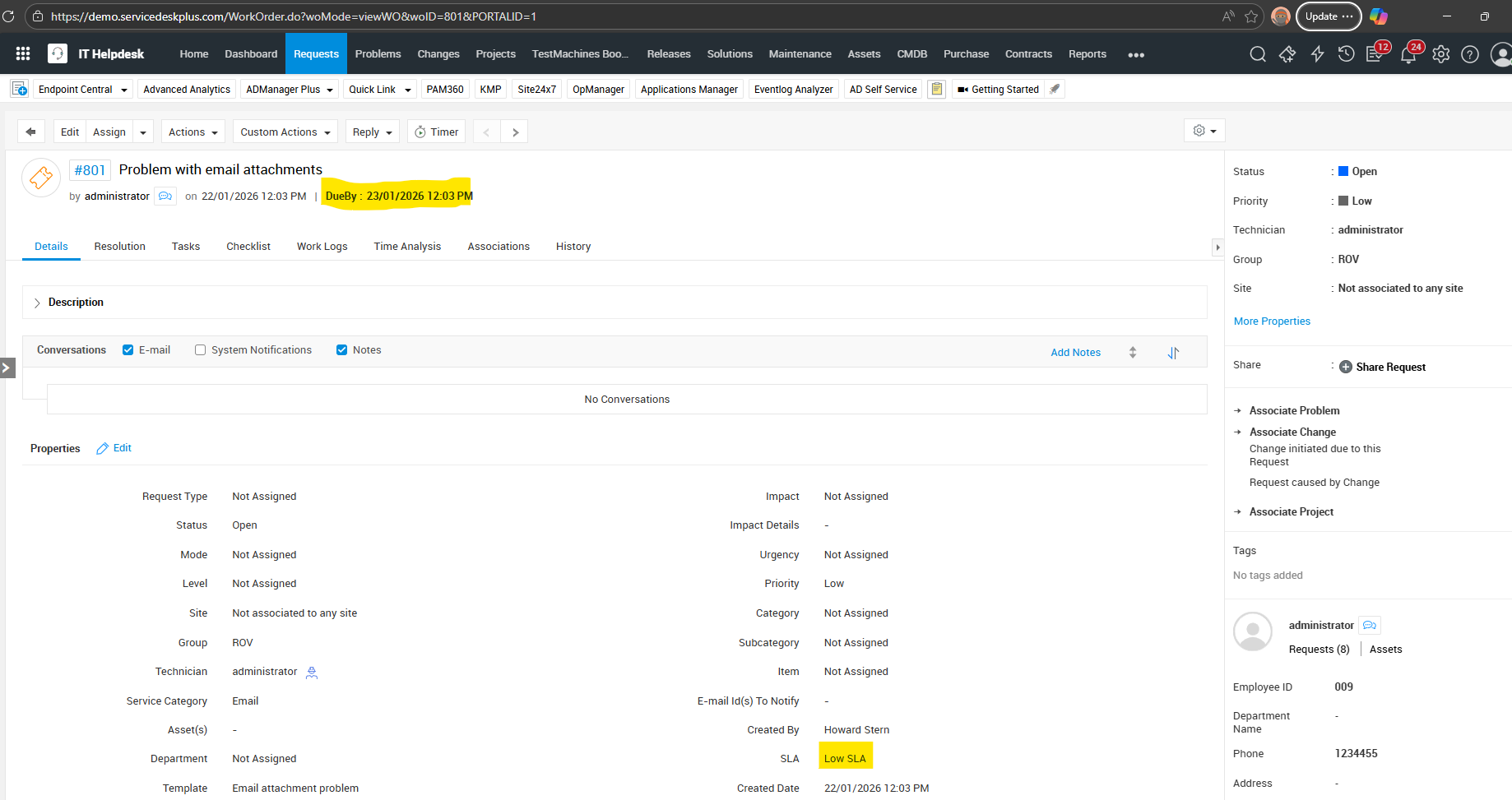
Below is sample and recreated on Demo Website:
1. Ticket is created with Low SLA and DueBy Time is 23/01/2026
2. Resolve the ticket
3. Edit the Low SLA like adding the escalation for response or resolution, then save.
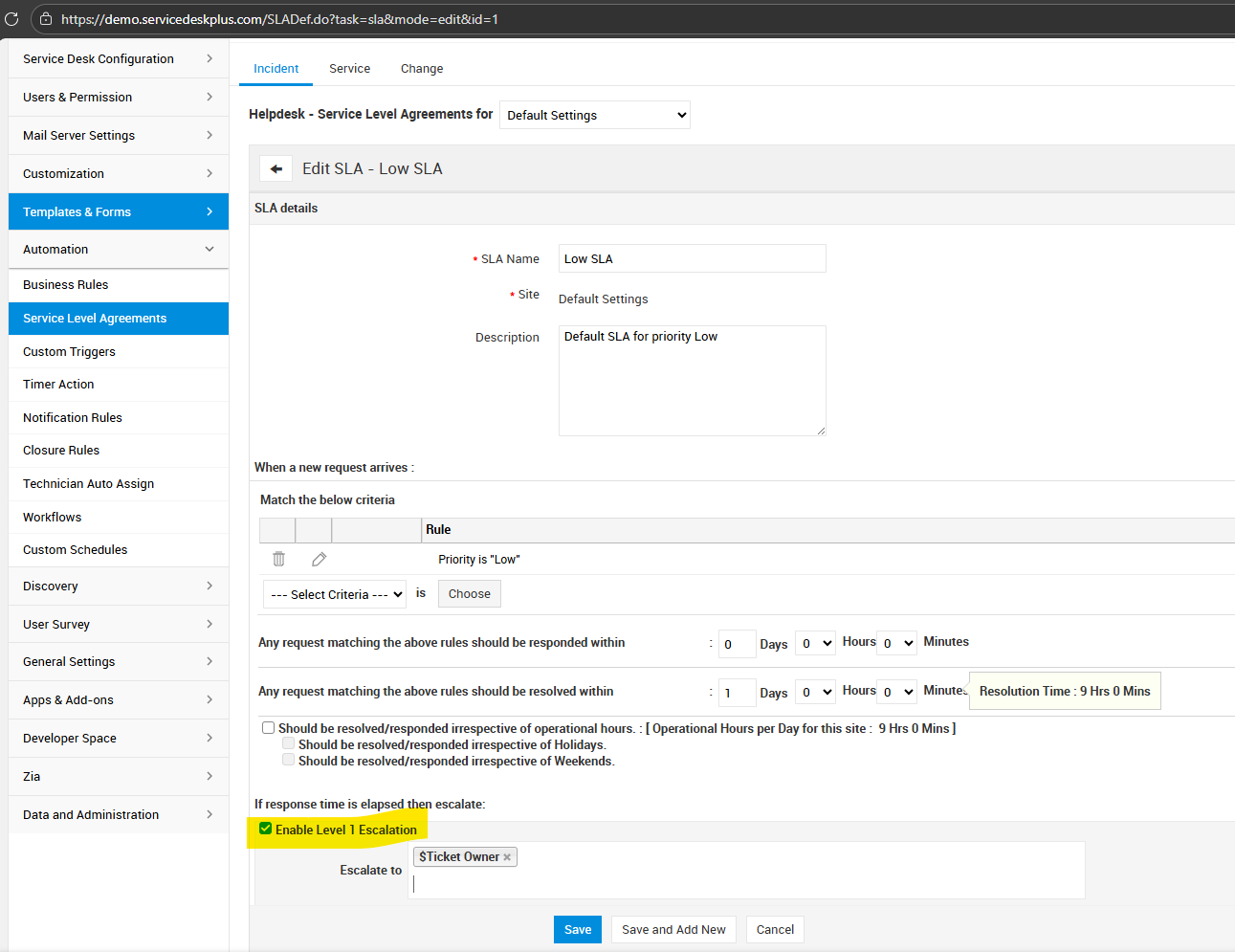
4. Now change the status of created ticket from step 1 to Open.
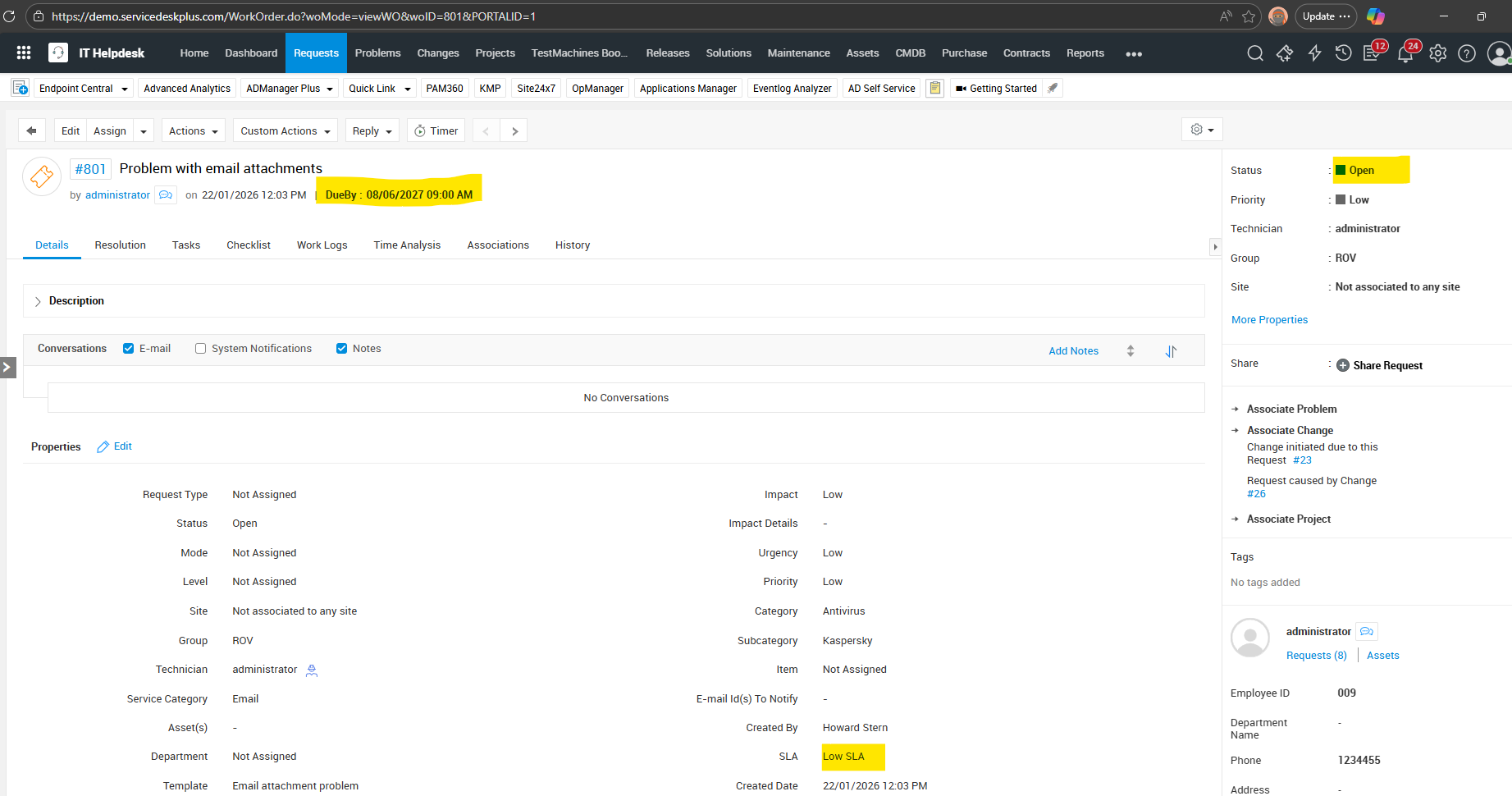
DueBy time is now 08/06/2027 with the same Low SLA
History: