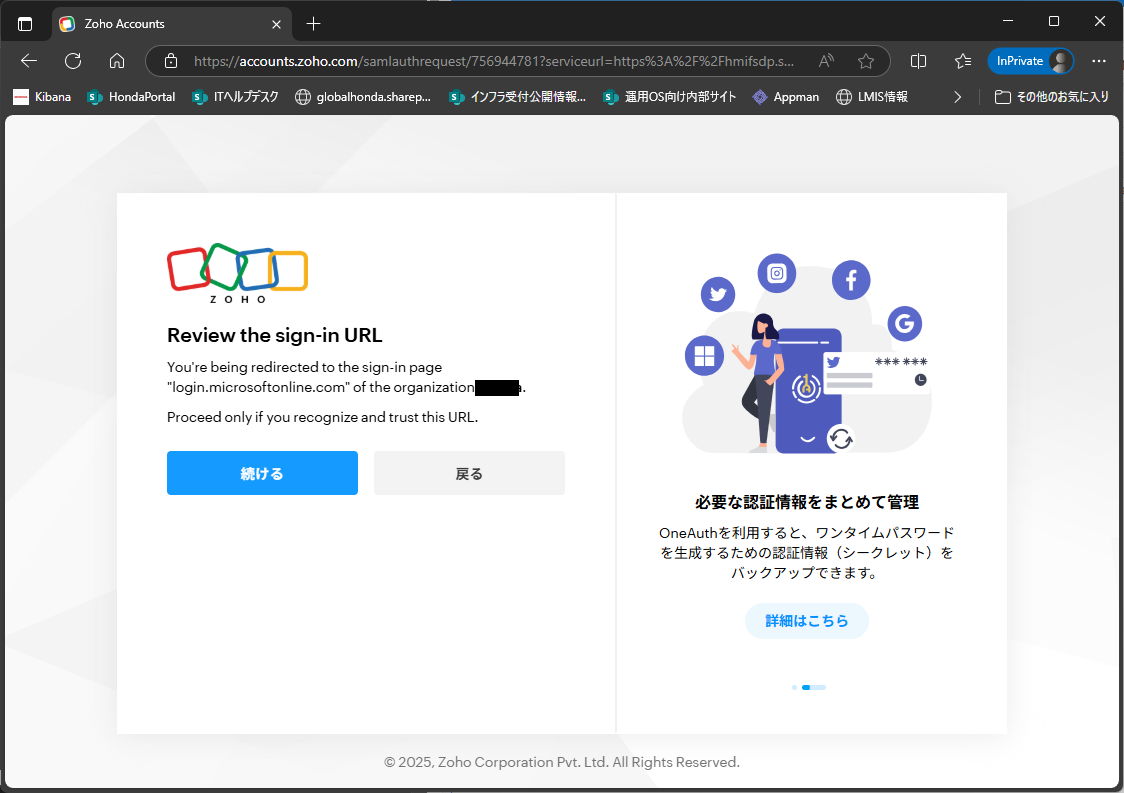
"Review the sign-in URL" screen suddenly appears when signing in
On July 11 at 5:00 p.m. (JST), We suddenly received a screen appears “Review the sign-in URL” from account.zoho.com when signing in to SDP Cloud. We can continue to use SDP Cloud by selecting “Continue”, but how can we prevent this screen from appearing?
We are very worried that if we leave it like this, SDP Cloud will become unusable.
Please let me know how to solve this problem.