Master recovery key as a secondary protection for BitLocker recovery
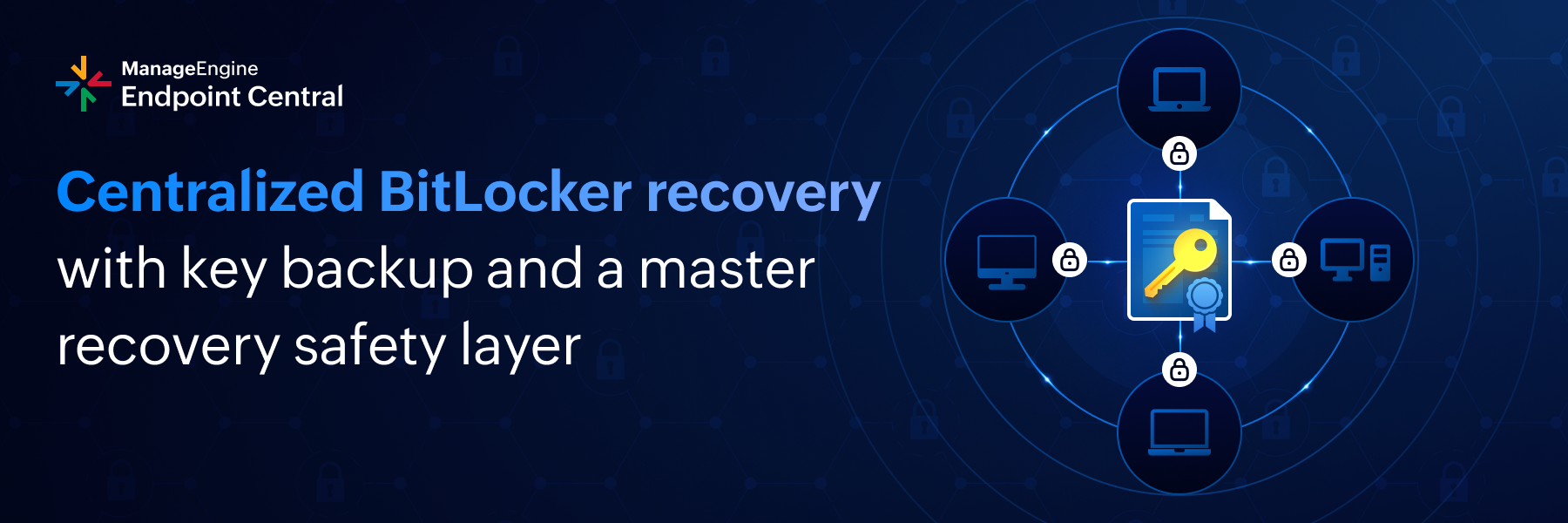
Endpoint Central already provides strong BitLocker recovery capabilities by allowing administrators to retrieve recovery keys directly from the console and export all recovery keys across the network. This ensures visibility and control over per-device recovery information at all times.
However, in real-world enterprise scenarios, even well-managed recovery key repositories can face challenges. Devices may fall out of management scope, keys may become outdated, or recovery may be required during critical situations where accessing exported data is not feasible. This is where a secondary recovery layer becomes essential.
To address this, Endpoint Central now supports a master BitLocker recovery mechanism using BitLocker Data Recovery Agent (DRA). This acts as a double data recovery strategy, complementing existing recovery key storage rather than replacing it.
What’s new and why it matters
With Endpoint Central, administrators generate a recovery certificate pair:
The public certificate is deployed to all managed Windows endpoints and added as a BitLocker recovery protector.
The private certificate is securely retained by the organization and used only during recovery.
Once deployed, any BitLocker-encrypted drive can be unlocked using this private key, without modifying existing encryption or removing current recovery passwords.
While console-based recovery key retrieval and XLSX exports cover most scenarios, relying on a single recovery method can still introduce risk at scale. The master recovery key provides an organization-controlled fallback that works across all endpoints that have received the public certificate. This ensures recovery remains possible even if a device-specific recovery key cannot be retrieved when it is needed the most.
Getting started
This capability is available for Endpoint Central customers managing BitLocker-enabled Windows devices. For detailed, step-by-step guidance on configuring and deploying the master recovery key, refer to this documentation.
As always, we look forward to your feedback and questions.