[KB] How do I identify users communicating with external email domains?
All organizations have plans and policies in place about internet usage. After all, these policies
ensure that an additional layer of security exists over critical business information, and help keep a
check on the type of data that gets in and out of the organization. You, as an administrator, need to
monitor traffic within your organization to avoid possible data loss.
One common policy organizations have is about misuse of office resources. You may need to:
Discover users who are communicating with external email domains the most: There are chances
of your company being blacklisted, or even facing legal action due to an employee sending
multiple emails to an external domain.
Identify employees who forward their work emails to their personal email accounts: This
seemingly simple activity has larger implications such as data loss and compliance issues. An internal
investigation could be launched to identify employees contacting external domains.
Solution:
Exchange Reporter Plus helps you identify users communicating with external email domains through
its Traffic from/to Internet (by User) reports. These reports help you monitor the internet activities
of any user in your organization. All you need to do is select the user and Exchange Reporter Plus
crawls through the logs and gives you the desired information!
Scenario: Identify users who've sent messages to external domains.
To do this, go to the Email Traffic category of the Reports tab and click the Number of Mails Sent by
User report. Select the users who's mailing activities you wish to track using the pop up window on
the screen.

Figure 1: Select the users who's mailing activities you wish to track.
The report generated displays information about the number of mails each of these users have sent
to external domains. But, that's not all! This report can be drilled down to view information about
each individual mail the selected user sent to a specified domain.

Figure 2: Drill down to get more information.
Clicking the link opens up the Number of Emails Sent to a Specific Domain by a Given User report.
From this report, you can view details such as the subject and size of the message, the recipient
email address, and more.
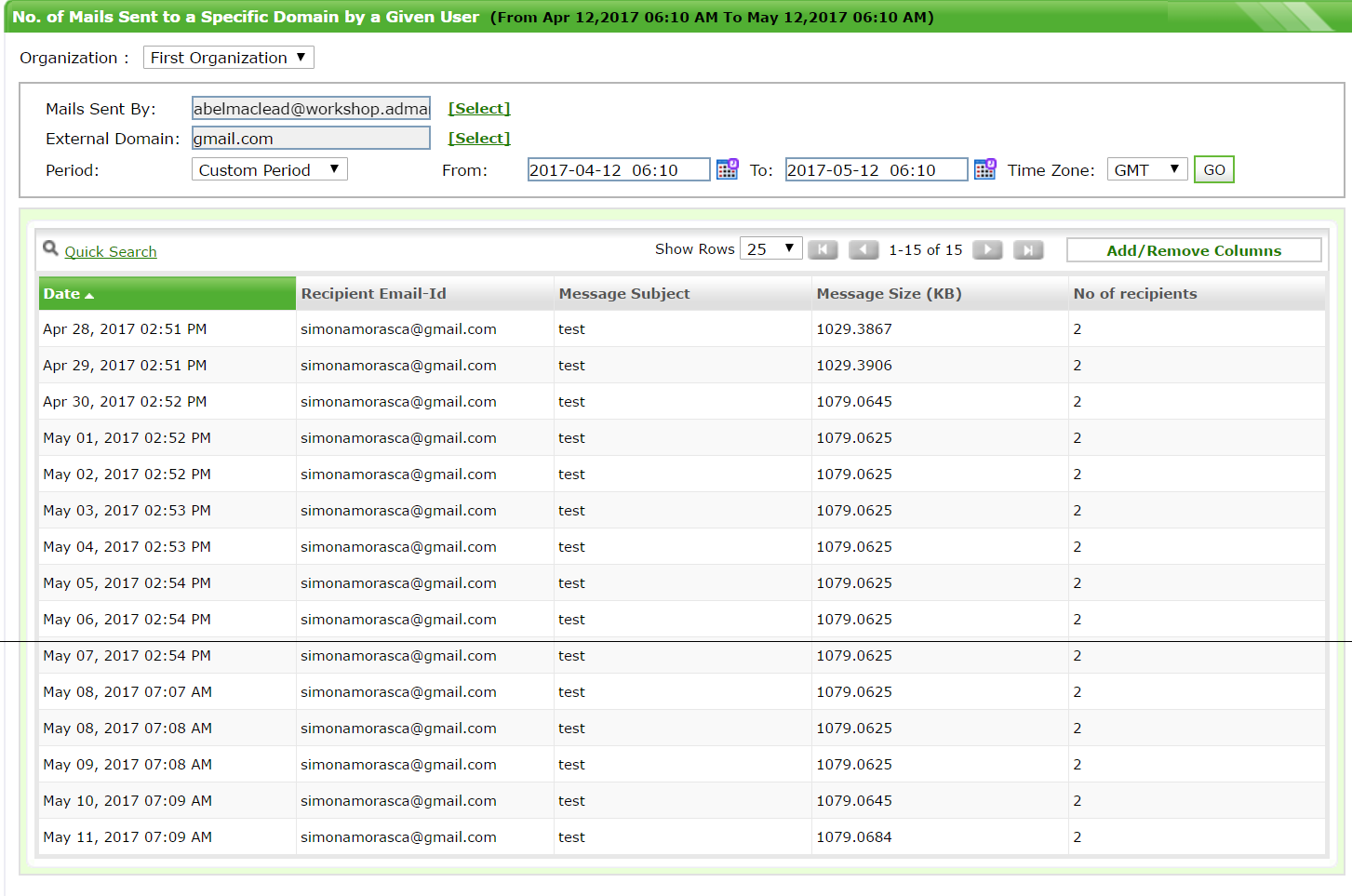
Figure 3: Drilled down information about the emails sent by a specific user.
This is how Exchange Reporter Plus helps you identify users who are communicating with external
email domains.
Can't get enough?
To find out more about the email traffic reporting feature of this product, stay tuned to the forums
for the next KB post!