Enhancing login security with CAPTCHA in Applications Manager
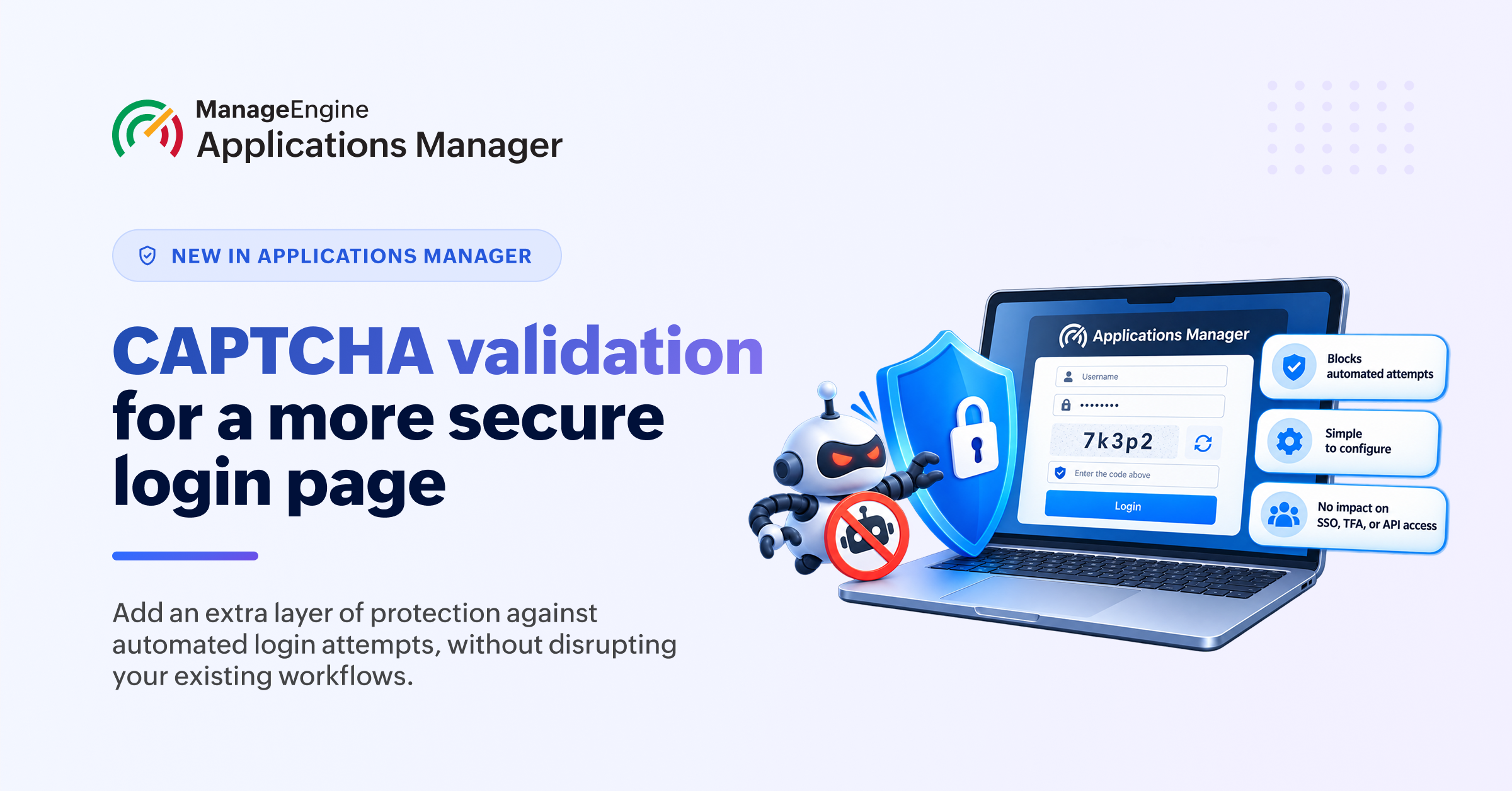
Applications Manager now introduces CAPTCHA validation to add an extra layer of protection against automated login attempts. When it detects repeated failed login attempts, a CAPTCHA challenge helps verify that a legitimate user is attempting to log in.
Administrators can enable CAPTCHA validation and set the number of consecutive failed attempts after which the challenge appears. Until that threshold is reached, the login experience remains unchanged. Once triggered, users must complete the CAPTCHA to continue logging in.
The feature is disabled by default, giving administrators the flexibility to enable it based on their security requirements.
CAPTCHA validation applies to password-based login attempts and does not affect authentication methods such as SAML/SSO, TFA, plugin/OPM authentication, or API token-based access.