DEX insights inside your ITSM ticket | ManageEngine Endpoint Central
If you’ve used Endpoint Central’s DEX capabilities, you already know how much faster root cause analysis gets when device data is right there in front of you. The challenge has always been that in front of you usually means a separate console, not the place your service desk team actually works all day: the ITSM ticket itself.
That’s the gap we’re closing with this release.
Your device data is now inside the ticket
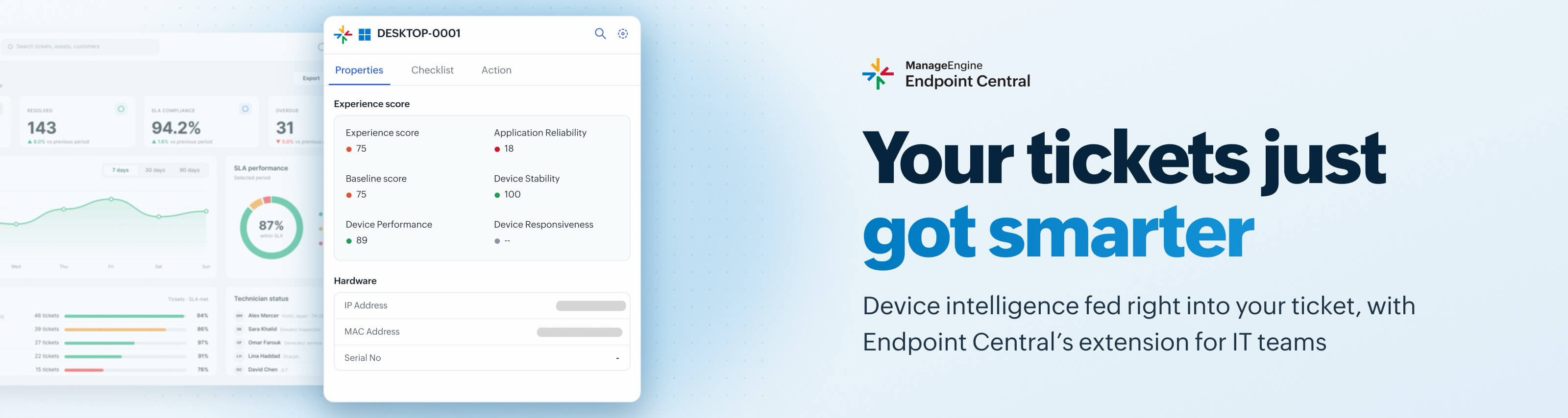
With the DEX add-on, Endpoint Central’s device telemetry, health, performance, and diagnostic signals now surface directly inside the ITSM ticket through a browser extension. The extension detects the right device automatically, so there’s no manual lookup involved when the help desk technician opens up the ticket.
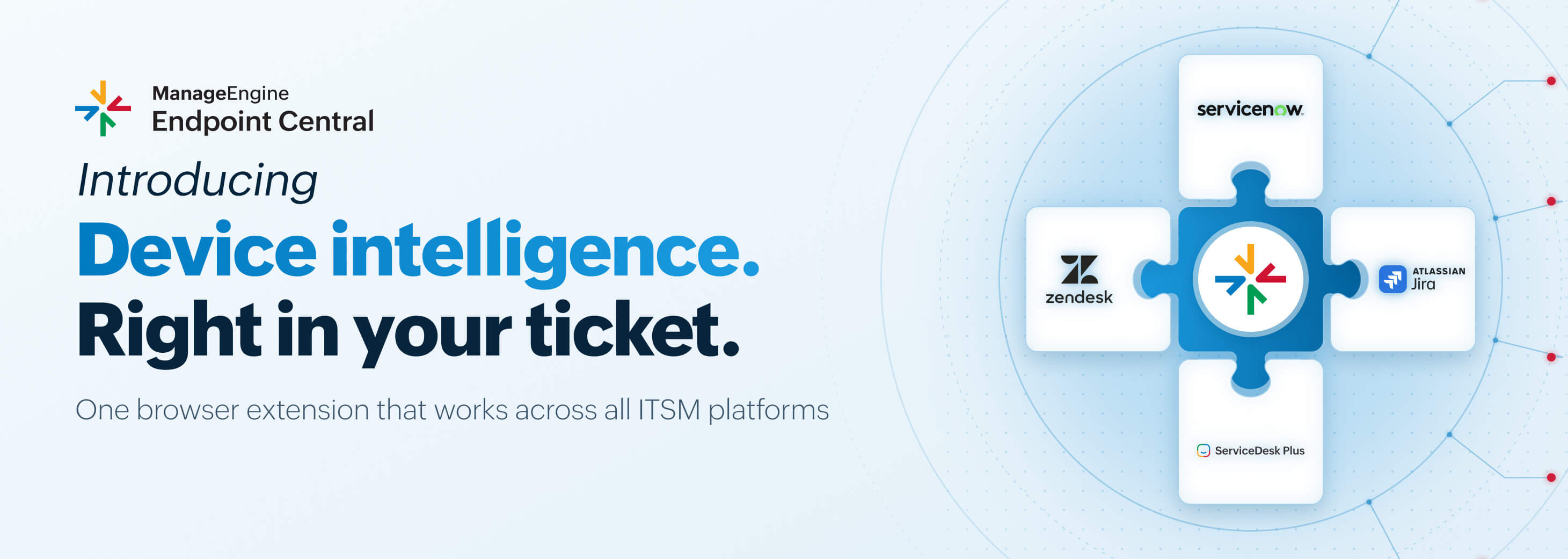
This isn’t limited to one ticketing tool, either. It works across all ITSM platforms, like ServiceNow, Jira, Freshservice, and Zendesk.
From insight to action, without leaving the ticket
Help desk technicians aren’t just seeing the data; they can act on it. Approved remediation actions are available right from the same overlay, so a device issue found inside a ticket can be fixed from that same screen.
Here’s what that looks like in practice
A ticket lands: “Laptop running slow, can’t join calls.” The help desk technician opens it, and the DEX insights from Endpoint Central are already sitting there: CPU usage at 95%, a known memory leak identified, and a one-click fix available. One click later, the fix is deployed, and the ticket gets resolved. What used to mean switching between Endpoint Central and a separate ticketing tool now happens on a single screen.
The results for your service desk are faster root cause analysis, a lower MTTR, and fewer unnecessary escalations to L2 and L3. This is Endpoint Central’s device intelligence meeting IT teams exactly where they already work, not asking them to come find it.
Try it out and let us know what you think in the comments. If you have any questions or issues, drop them below or reach out to the support team.