Device insights inside your ITSM ticket | DEX Manager Plus
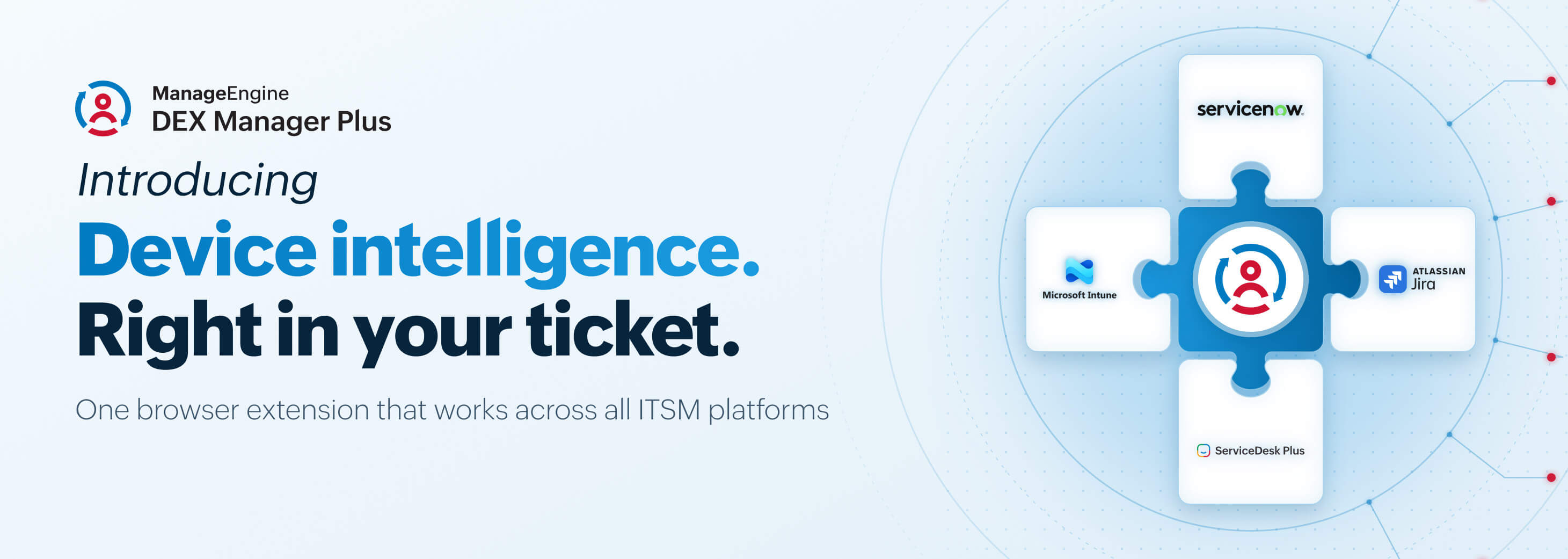
Here’s a moment every service desk agent knows too well. A ticket comes in with a vague description, something like “laptop is slow.” However, key device signals that actually indicate what's wrong with the device are sitting in ManageEngine DEX Manager Plus, a completely different tool. So the agent switches tabs, opens a separate console, cross-references a serial number, and only then starts actually troubleshooting. By the time the root cause turns up, a good chunk of the resolution time is already gone.
See the device right inside the ticket
DEX Manager Plus now delivers real-time telemetry, health, performance, and diagnostic signals directly inside the ticket through a browser extension. It automatically detects the device from the ticket your help desk technician already has open: no new console to learn and no switching tabs to piece together what’s wrong.
This works across all ITSM platforms, like ServiceNow, Jira, Freshservice, and Zendesk, so the same overlay shows up wherever your service desk already resides. This device intel delivery is not limited to ITSM platforms; it also extends to UEM platforms like Intune, delivering DEX insights right into your existing UEM solution.

Fix it without leaving the ticket
Once the issue is clear, agents can trigger approved remediation actions directly from the overlay: no separate tool, no manual follow-up, and no second login.
Here’s what that looks like in practice
A ticket comes in: “Laptop running slow, can’t join calls.” The agent opens the ticket, and the device overlay is already there. It shows CPU usage at 95%, a known memory leak in a background process, and a one-click fix sitting right there: to kill and restart the process. The agent clicks it, the fix runs, and the ticket gets resolved, all from a single click. There's no tab switching, no second tool, and no guesswork. The agent goes from the root cause to the resolution on one screen.
The results are faster root cause analysis, a lower MTTR, and fewer tickets bouncing up to L2 and L3 simply because L1 agents couldn’t see enough to act in the first place. This is proactive IT in practice, not just faster reactive support. It’s giving frontline agents the context to solve a problem the first time a ticket lands on their desk.
Try it out and let us know what you think in the comments. If you run into any questions or issues, drop them below or reach out to the support team.